



Parametry
Více o knize
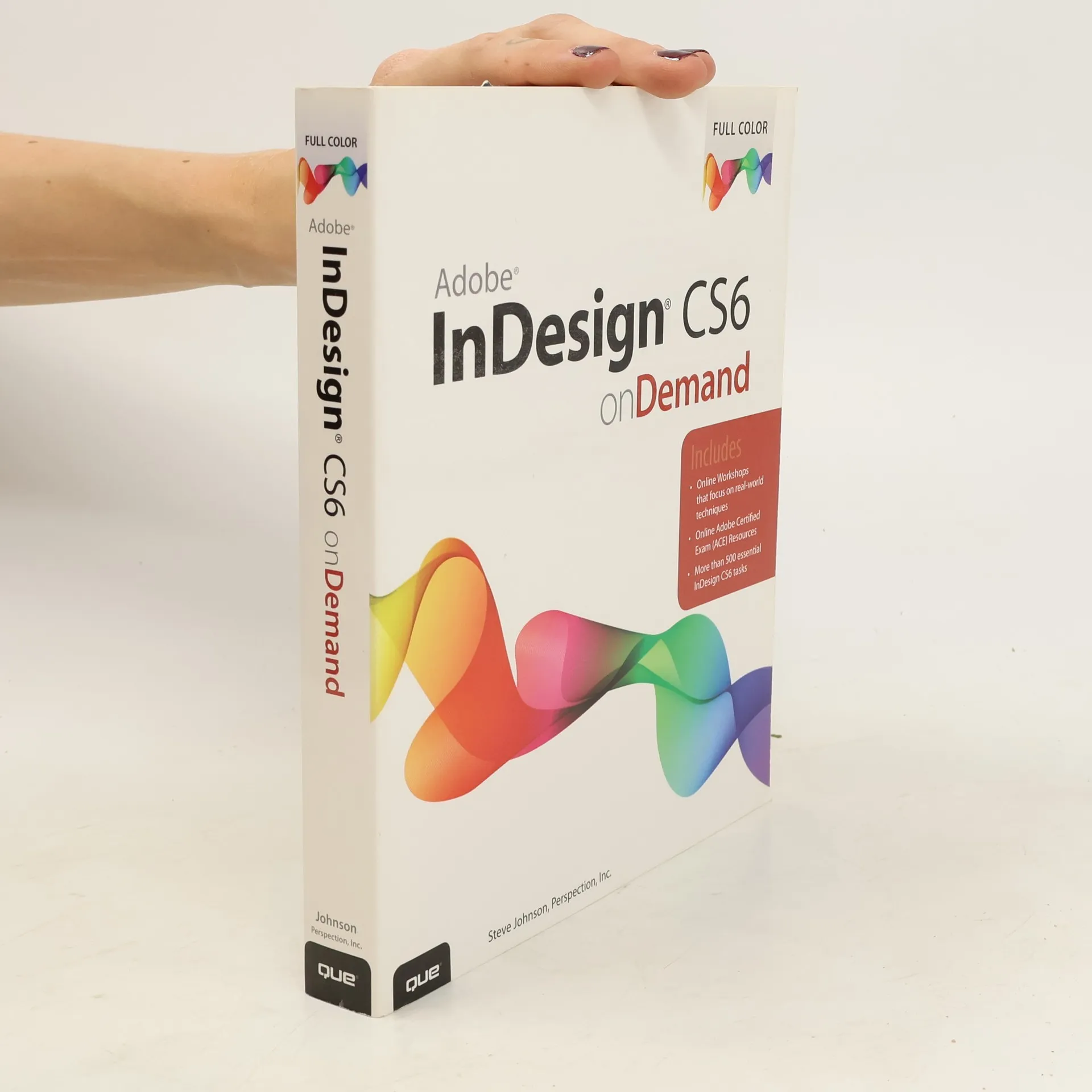
Need answers quickly? Adobe InDesign CS6 on Demand provides those answers in a visual step-by-step format. We will show you exactly what to do through lots of full color illustrations and easy-to-follow instructions. Numbered Steps guide you through each task See Also points you to related information in the book Did You Know alerts you to tips and techniques Illustrations with matching steps Tasks are presented on one or two pages Inside the Book * Create layouts for print, web, tablets, and mobile devices * Browse, organize, and process files using Adobe Bridge or Mini Bridge * Create, link, and manage content, pages, and books to keep track of your documents * Create text and apply style to display artistic text * Use track changes to review content * Create interactive PDFs , EPUB ebooks, and HTML web pages * Create output for commercial print purposes * Create output for commercial print purposes * Create publications for use with Adobe Digital Publishing Suite Bonus Online Content Register your book at queondemand.com to gain access to: * Workshops and related files * Keyboard shortcuts Visit the author site: perspection.com
Nákup knihy
Adobe InDesign CS6 on Demand, Steven Johnson
- Jazyk

- Rok vydání
- 2012
- Vazba
- (měkká)
Doručení
Platební metody
Tady nám chybí tvá recenze.
- Titul
- Adobe InDesign CS6 on Demand
- Jazyk
- anglicky
- Autoři
- Steven Johnson
- Vydavatel
- Que Publishing
- Rok vydání
- 2012
- Vazba
- měkká
- ISBN10
- 0789749343
- ISBN13
- 9780789749345
- Série
- Štítky
- Hodnocení
- 3,8 z 5
- Anotace
- Need answers quickly? Adobe InDesign CS6 on Demand provides those answers in a visual step-by-step format. We will show you exactly what to do through lots of full color illustrations and easy-to-follow instructions. Numbered Steps guide you through each task See Also points you to related information in the book Did You Know alerts you to tips and techniques Illustrations with matching steps Tasks are presented on one or two pages Inside the Book * Create layouts for print, web, tablets, and mobile devices * Browse, organize, and process files using Adobe Bridge or Mini Bridge * Create, link, and manage content, pages, and books to keep track of your documents * Create text and apply style to display artistic text * Use track changes to review content * Create interactive PDFs , EPUB ebooks, and HTML web pages * Create output for commercial print purposes * Create output for commercial print purposes * Create publications for use with Adobe Digital Publishing Suite Bonus Online Content Register your book at queondemand.com to gain access to: * Workshops and related files * Keyboard shortcuts Visit the author site: perspection.com