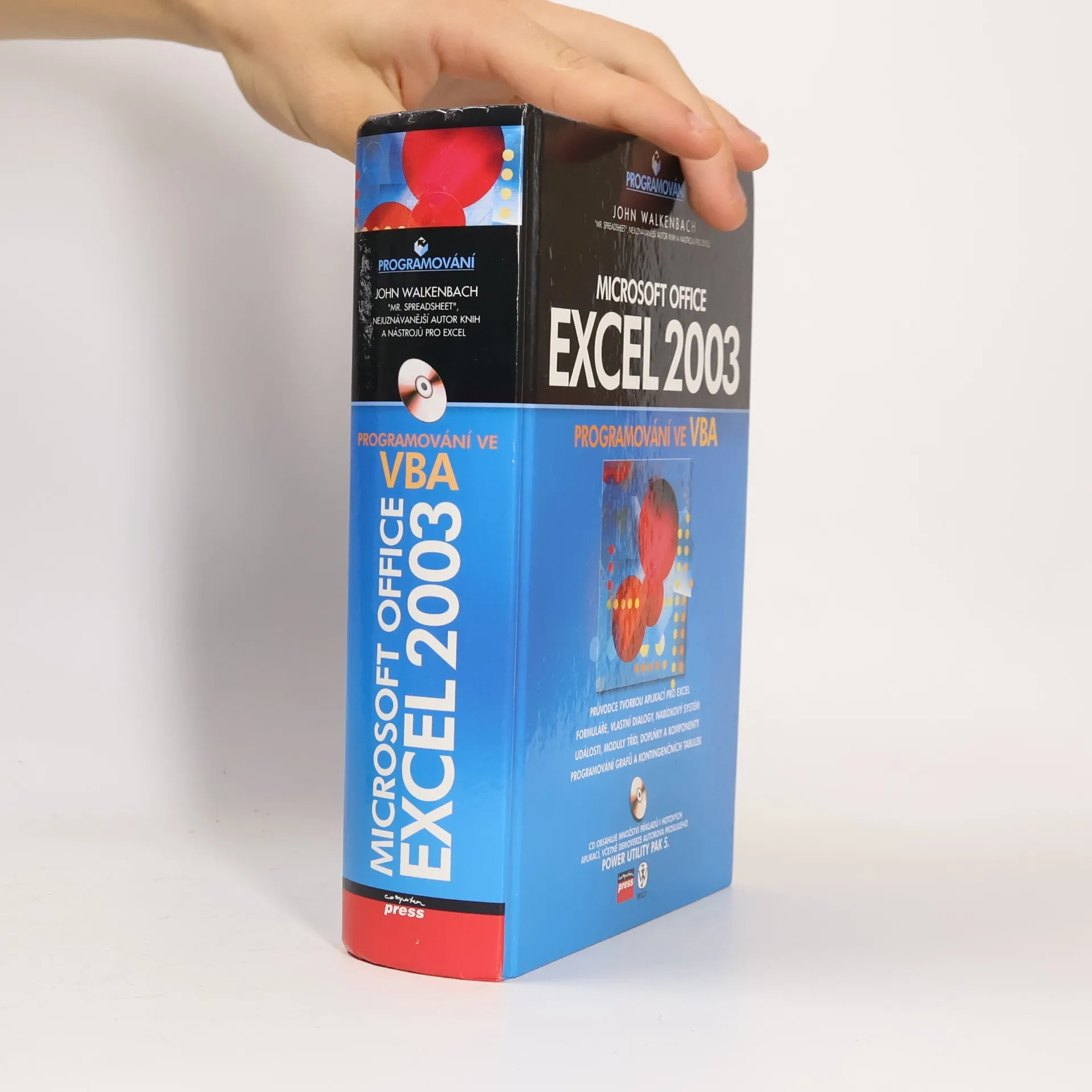
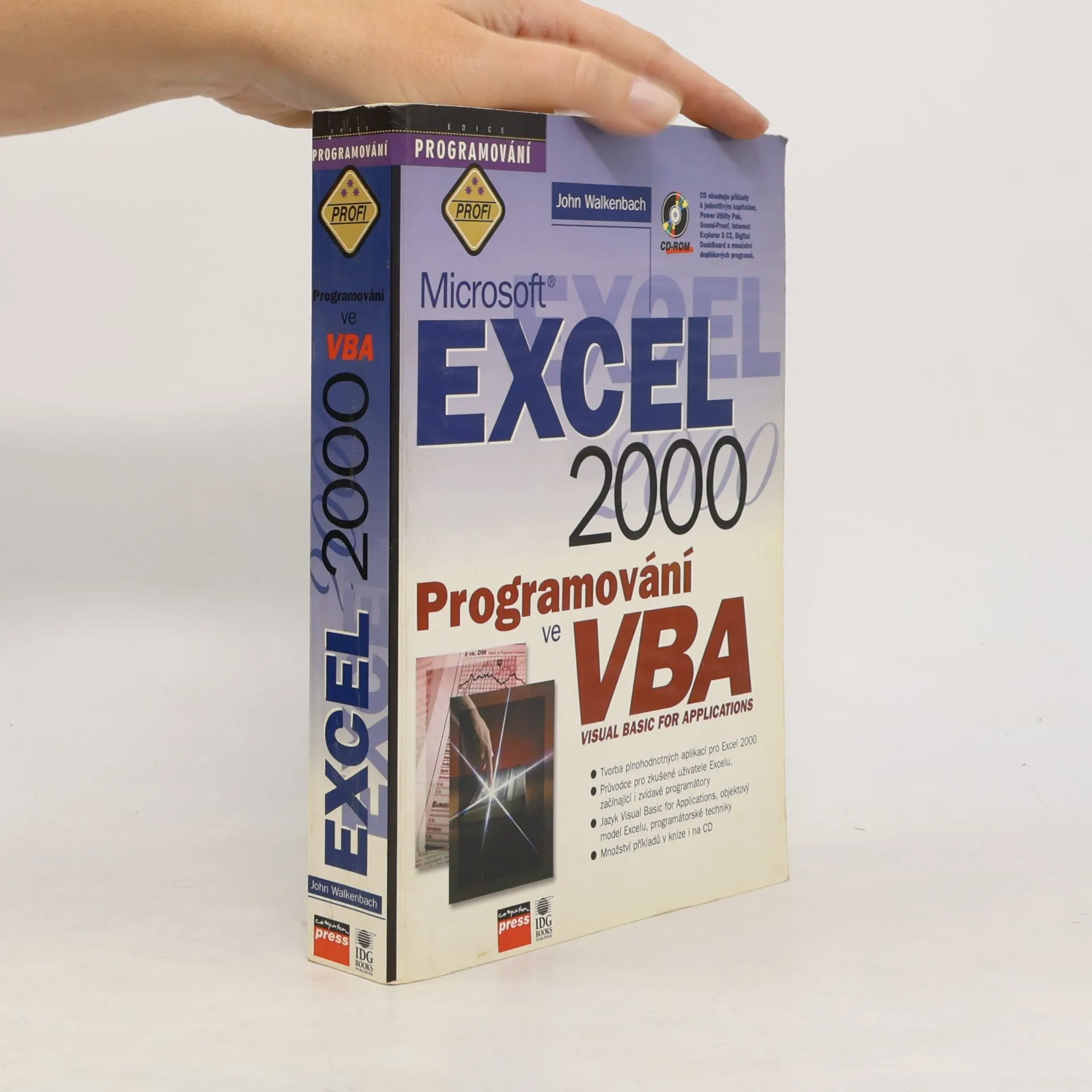
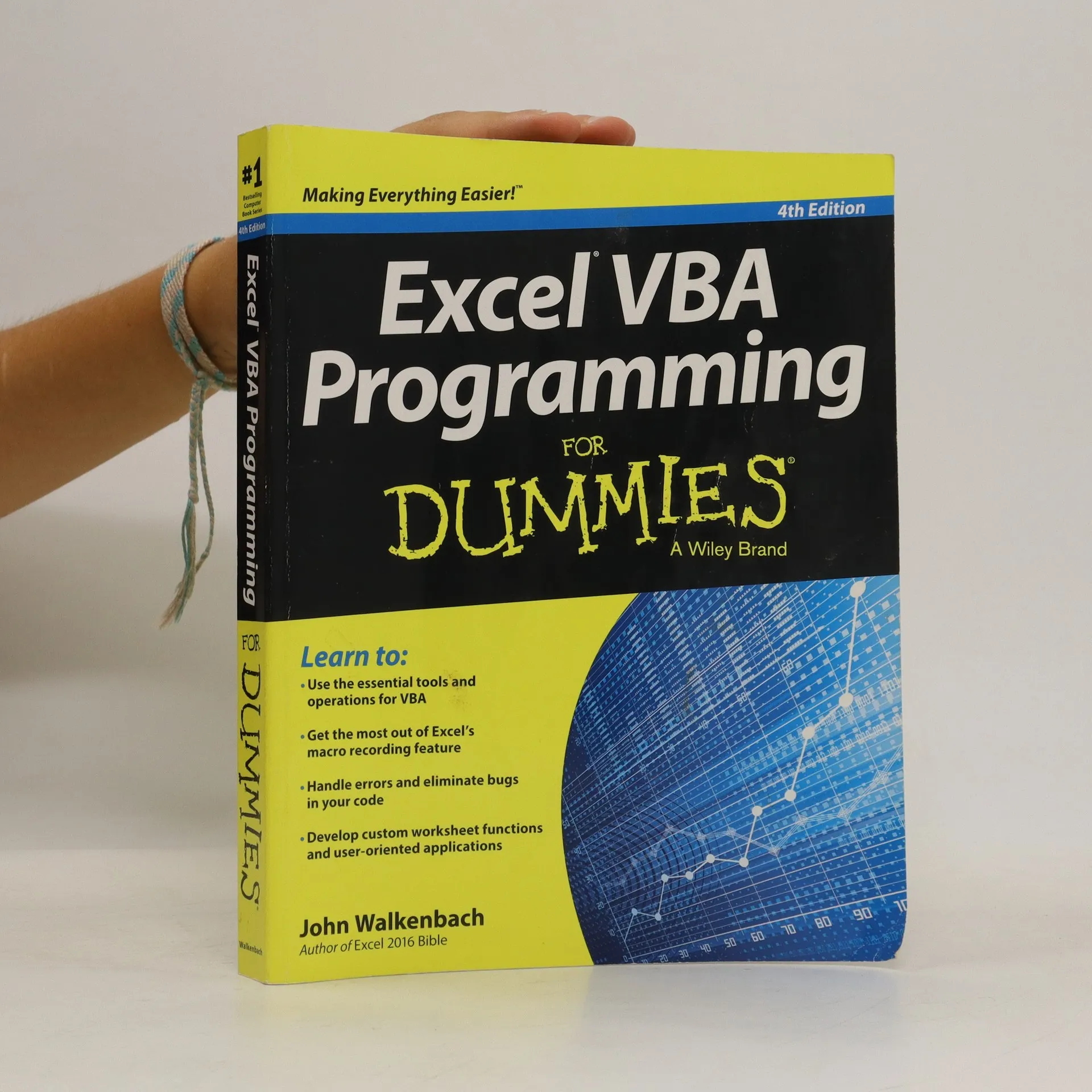
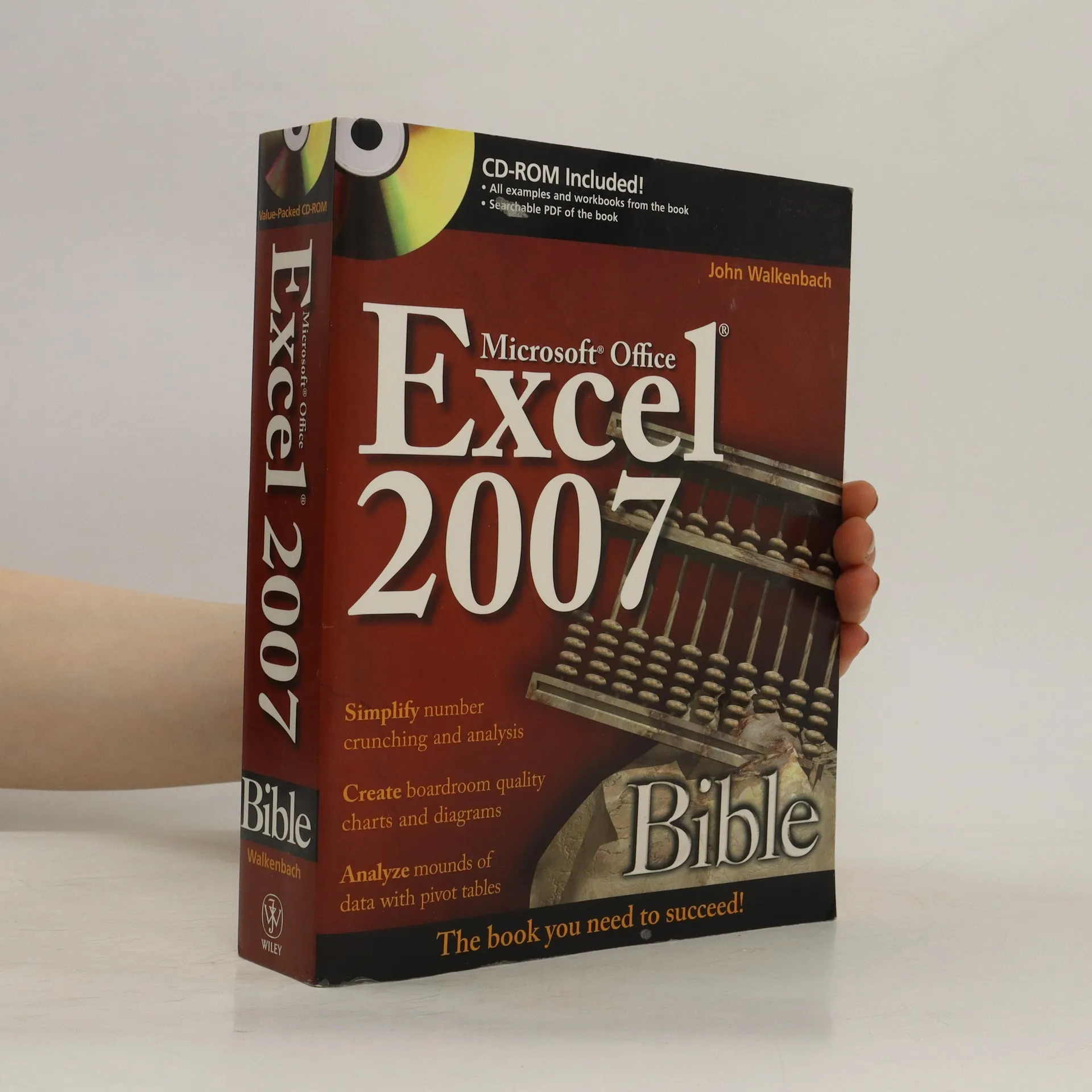
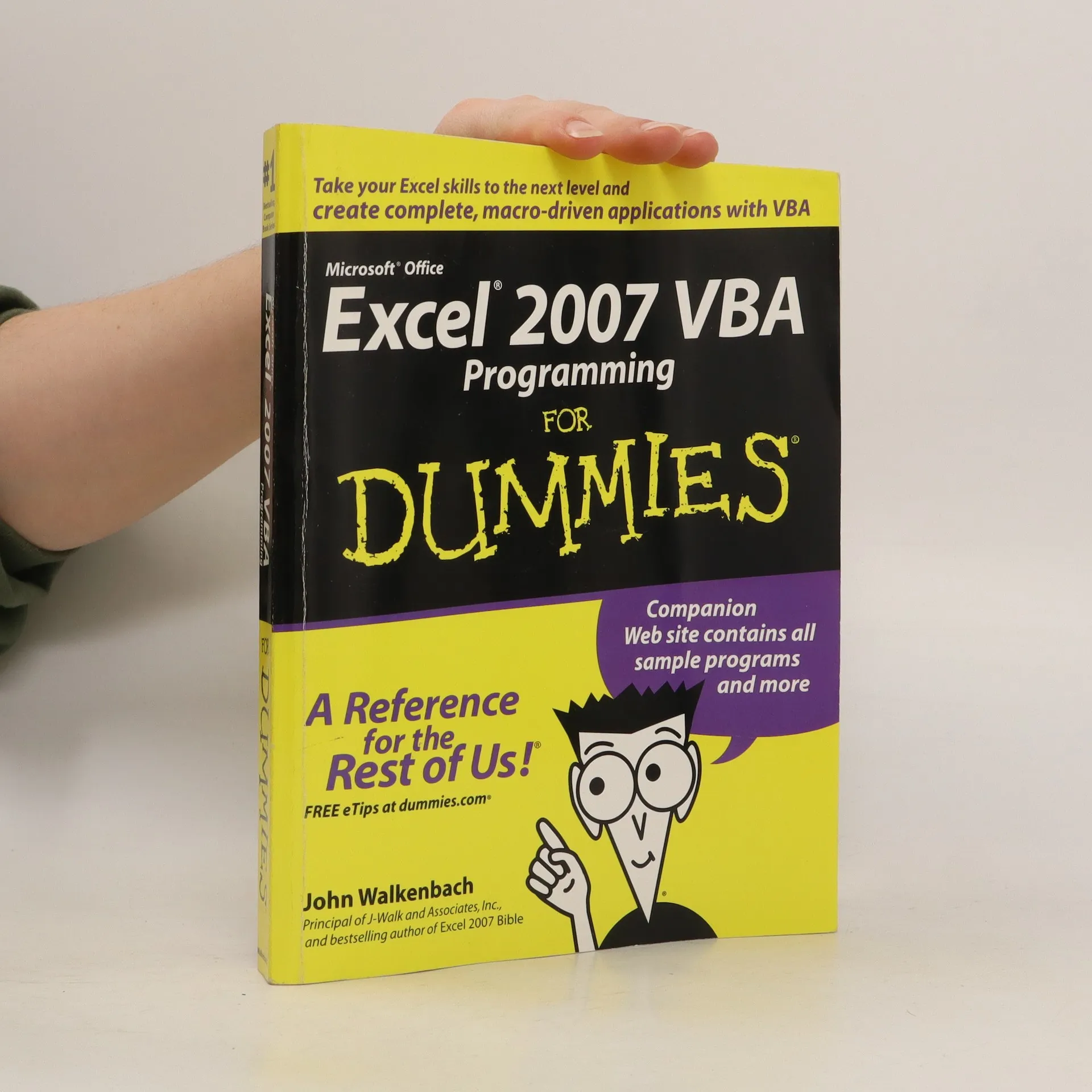
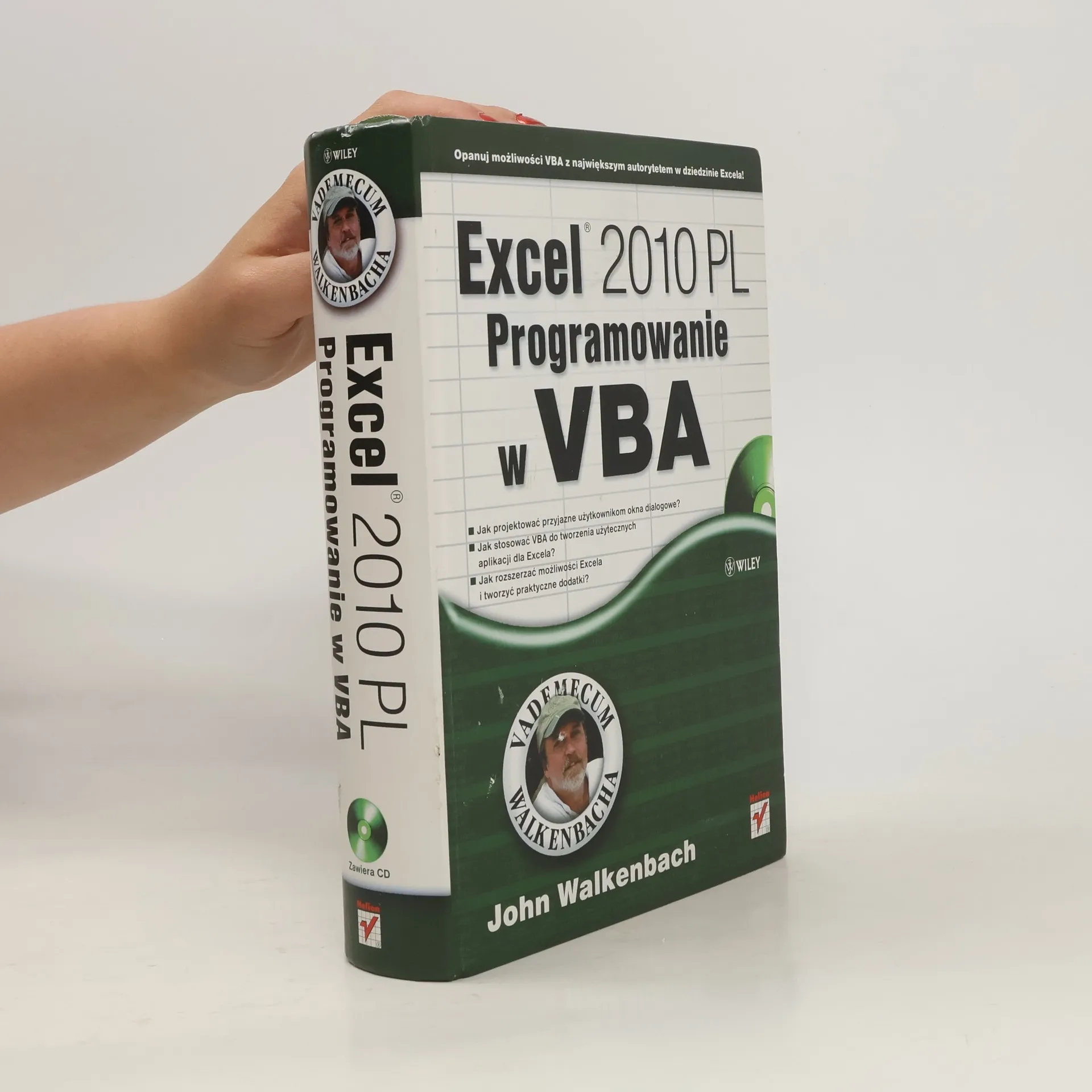
Toužíte se bez jakýchkoli znalostí programování naplno ponořit do jazyka Visual Basic for Applications (VBA)? Chcete umět vytvořit a pak využívat mnoho užitečných utilit, funkcí, automatizačních procedur i komplexních aplikací? „Mr. Spreadsheet“, jak je přezdíván světově proslulý autor, pro vás připravil stovky postupů, tipů, triků a technik, které nikde jinde nenajdete. Zkušenější uživatelé Excelu získají v knize srozumitelného a čtivého průvodce do svých programátorských začátků. Pokročilejší programátoři pak v publikaci odhalí bohatý pramen nových informací a originálních nápadů.
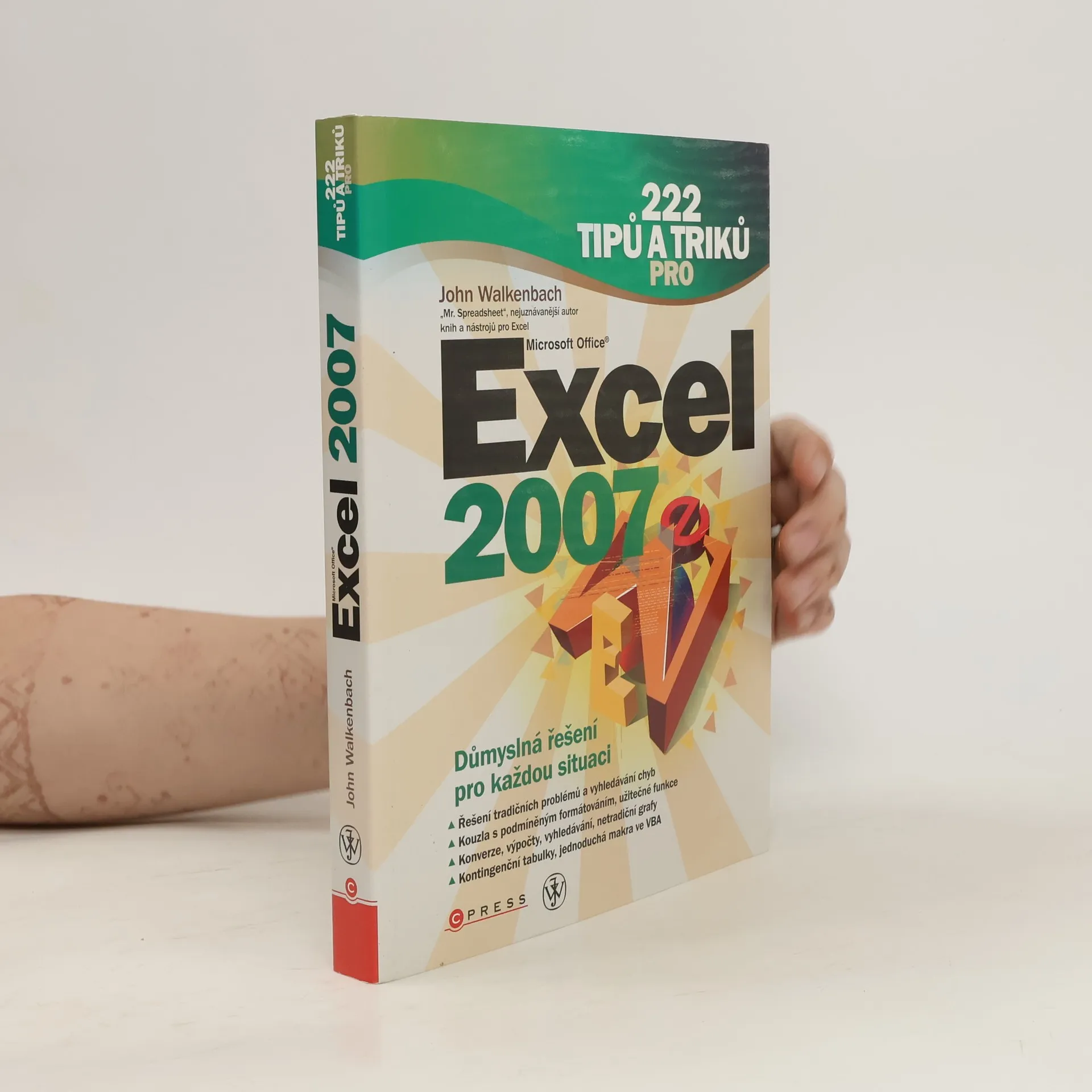
Používat základní funkce tabulkového editoru zvládne každý, ale jen málokdo umí s Excelem skutečně kouzlit. K tomu, abyste se snadno dostali na úroveň expertů, vám dopomůže nejznámější světový autor přezdívaný „Mr. Spredsheet“.
John Walkenbach vám poodhalí na první pohled skryté funkce, naučí vás pokročilým postupům, díky nimž bude vaše práce rychlejší, přesnější a třeba i zábavnější. Díky své letité praxi a dennodennímu kontaktu s běžnými uživateli dokázal vybrat ty tipy, triky a návody, které jsou v běžné praxi nejužitečnější.
Kniha obsahuje mimo jiné tato témata:
Příklady a využití vlastních číselných formátů
Sumarizace dat z různých listů a zdrojů
Zjištění dne v roce, výpočet dat svátků a věku člověka
Využití kontingenčních tabulek namísto vzorců
Vyhledání a odstranění duplicitních buněk
Vytvoření kombinovaného grafu a Ganttova diagramu
Porovnání dvou oblastí pomocí podmíněného formátování
Omezení, uzamknutí a skrytí jednotlivých položek sešitu
Optimální nastavení tisku u rozsáhlých tabulek
Příklady užitečných maker a jejich úpravy pomocí VBA
Veškeré příklady jsou lokalizované pro české prostředí a českého čtenáře. V knize najdete oproti originálu i několik triků navíc.
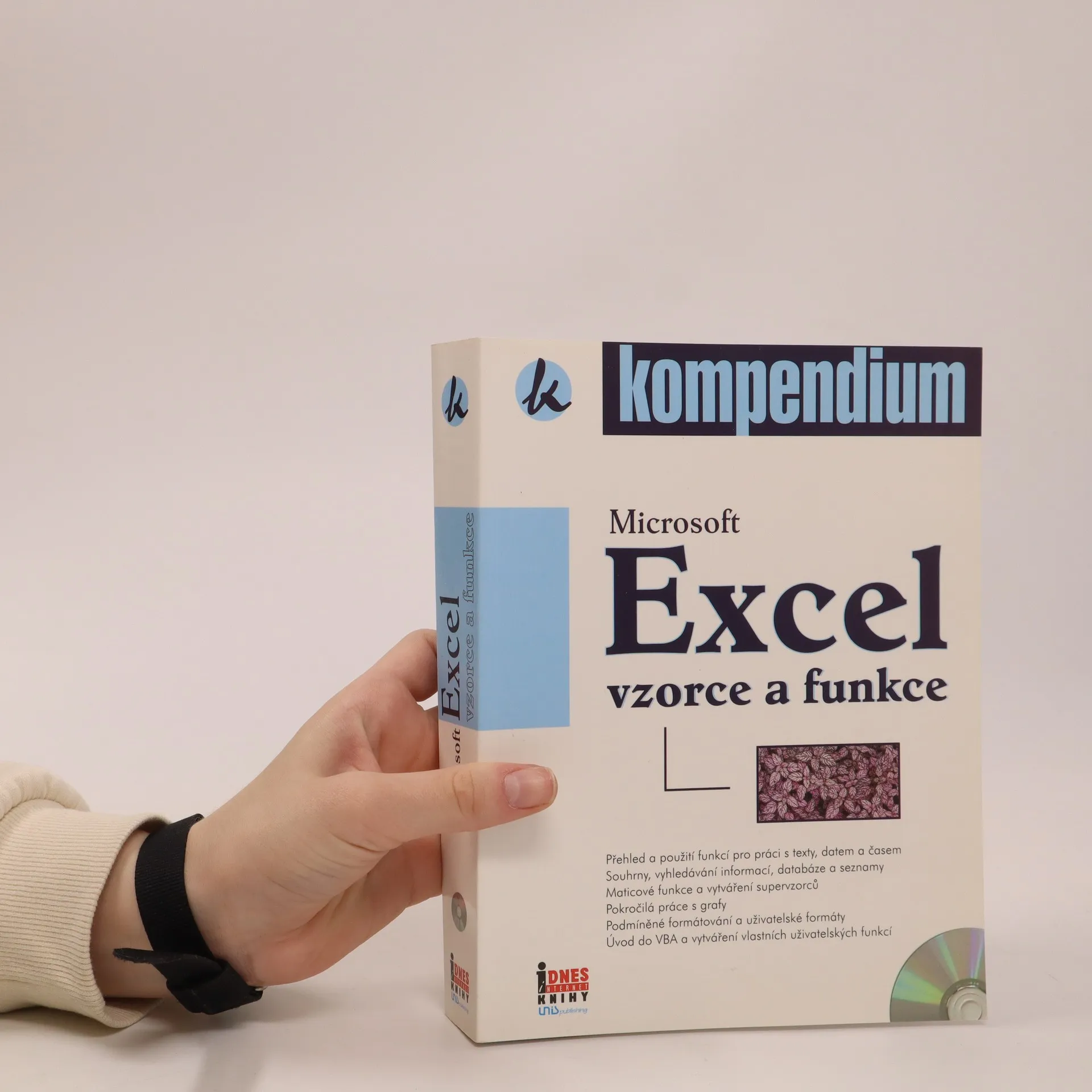
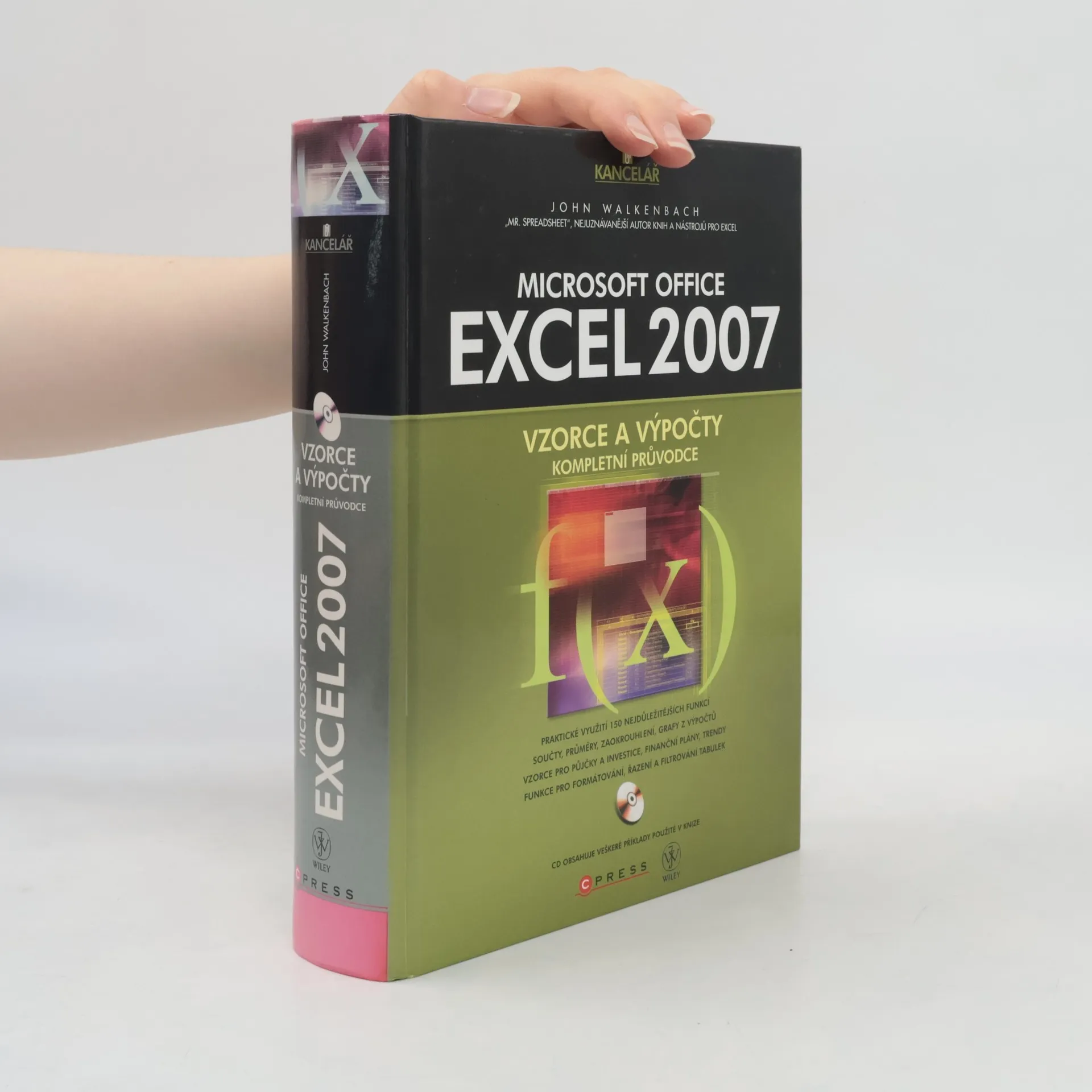
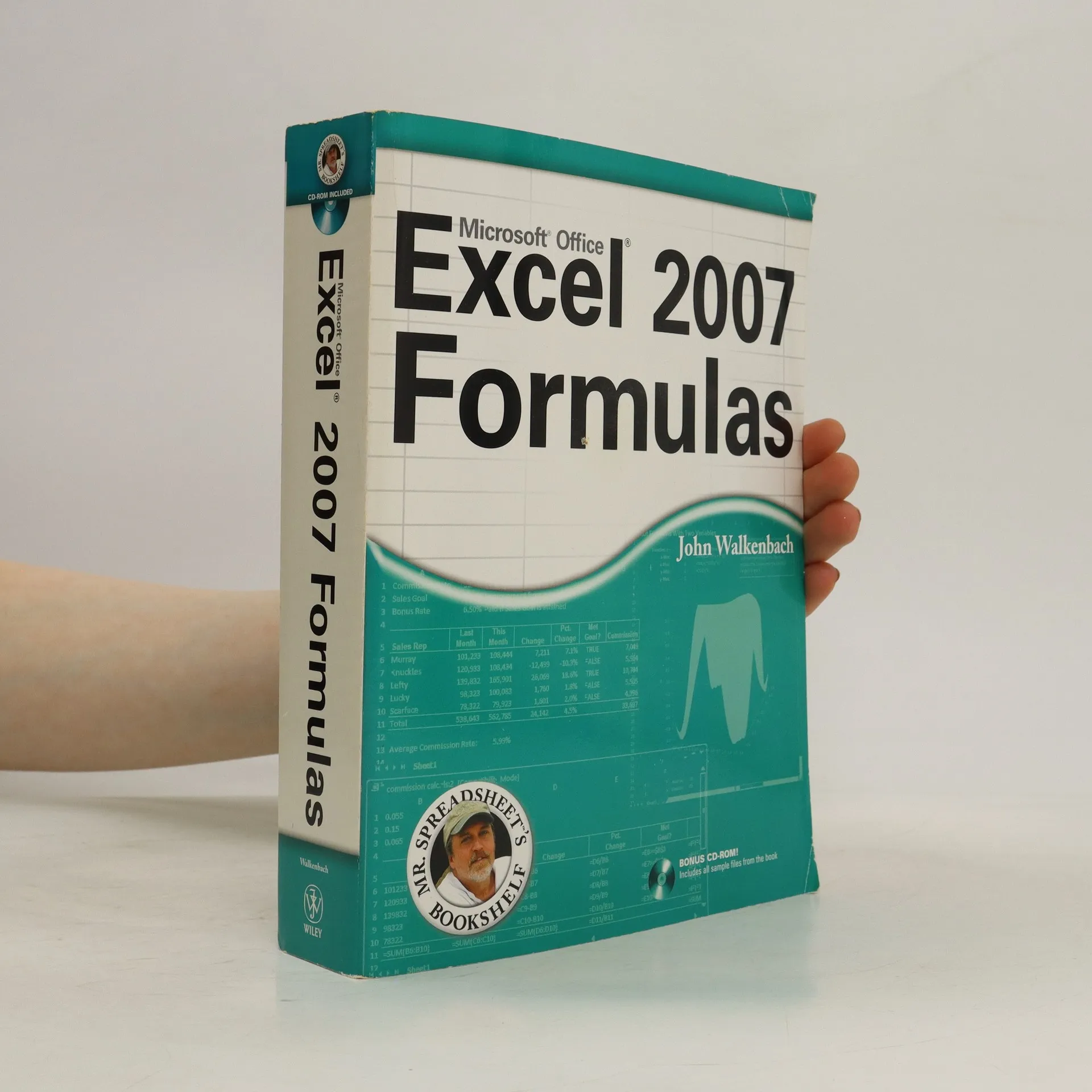
Hledáte příručku, s níž ovládnete funkce a vzorce Excelu a naučíte se tak provádět praktické výpočty v nejpoužívanějším tabulkovém procesoru? Na více než 700 stranách naleznete neuvěřitelné množství návodů, tipů a triků, které nenajdete v žádné jiné knize. Další ze světových bestsellerů z pera proslulého Johna Walkenbacha (známého jako „Mr. Spreadsheet“) se vyčerpávajícím způsobem věnuje všem používaným matematickým a finančním výpočtům, tvorbě grafů, kontingenčním tabulkám a dalšímu zpracování dat pomocí vzorců a funkcí v Excelu 2007. Díky názornému a srozumitelnému výkladu se naučí využívat výhod Excelu i naprostí začátečníci. S touto knihou se vám podaří získat na pracovním trhu náskok před ostatními.
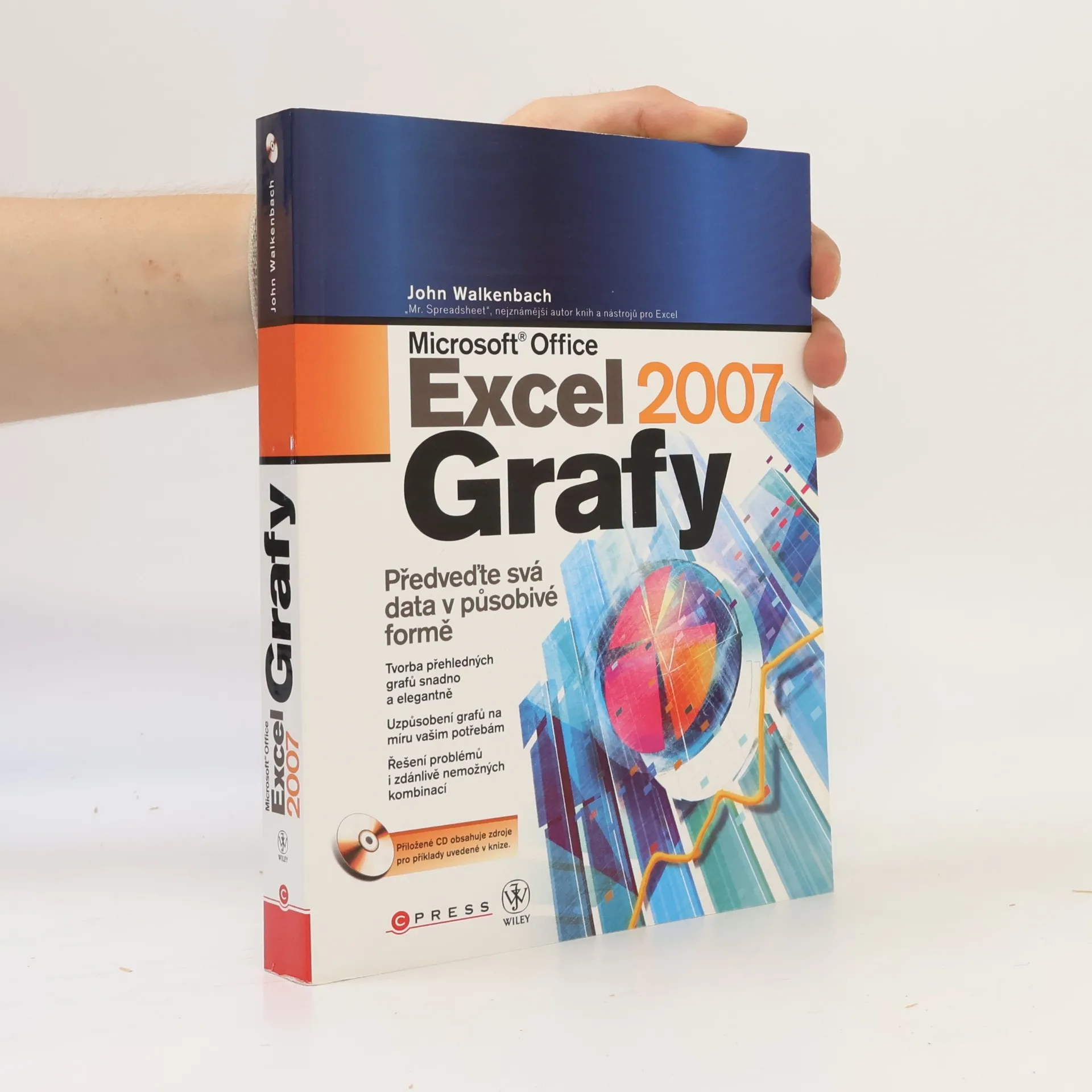
Ovládněte jeden z nejmocnějších nástorjů Excelu! Světoznámý autor vás provede zejména novými funkcemi a možnostmi grafů v Excelu 2007 a ukáže vám, jak vybrat ten správný na základě vašich aktuálních potřeb. Naučíte se vkládat do grafů křivky trendů, upravovat údaje přímo v garfu, vytvářet kombinované grafy, snadno grafy formátovat na základě jednotícího stylu i vytvářet grafy z kontingenčních tabulek.
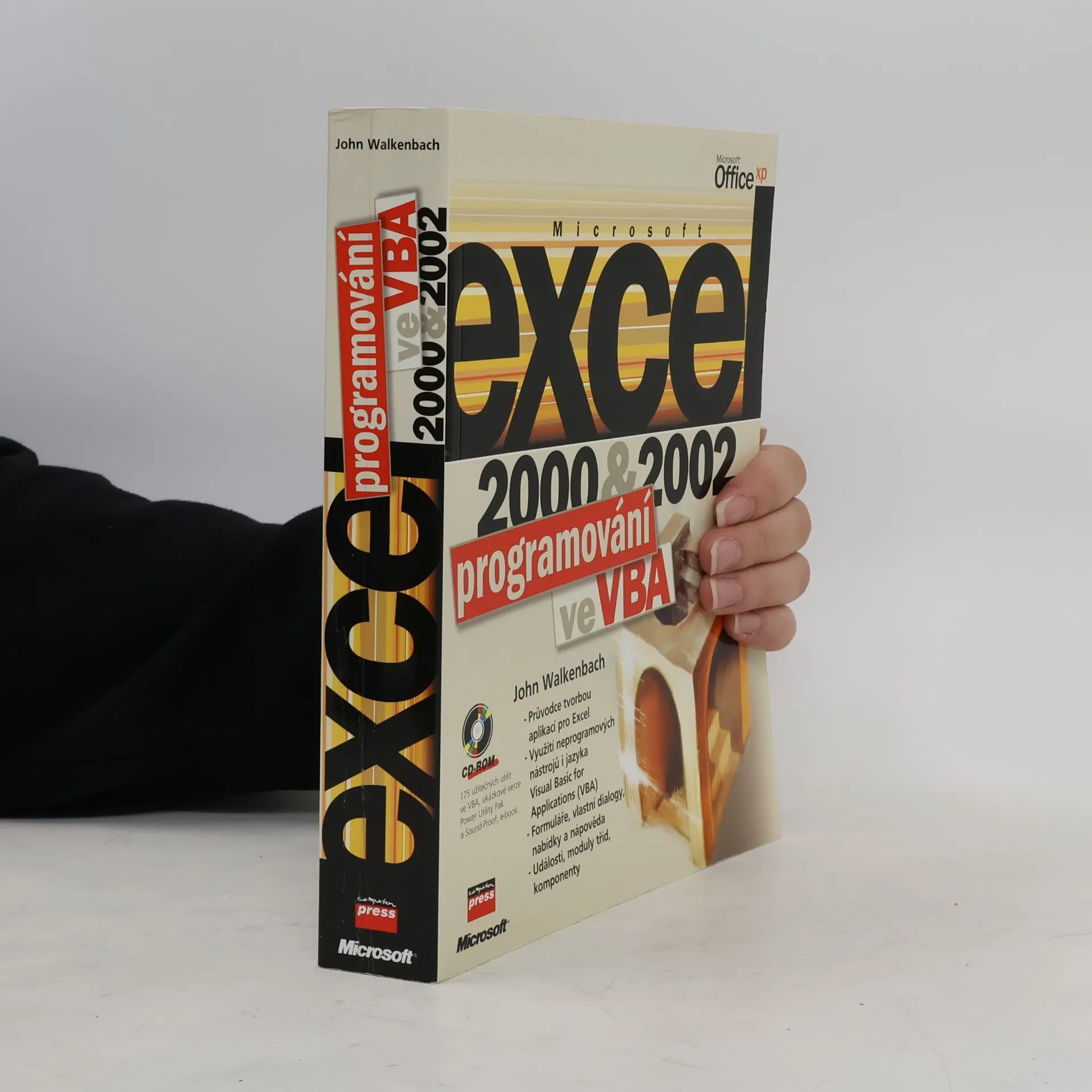
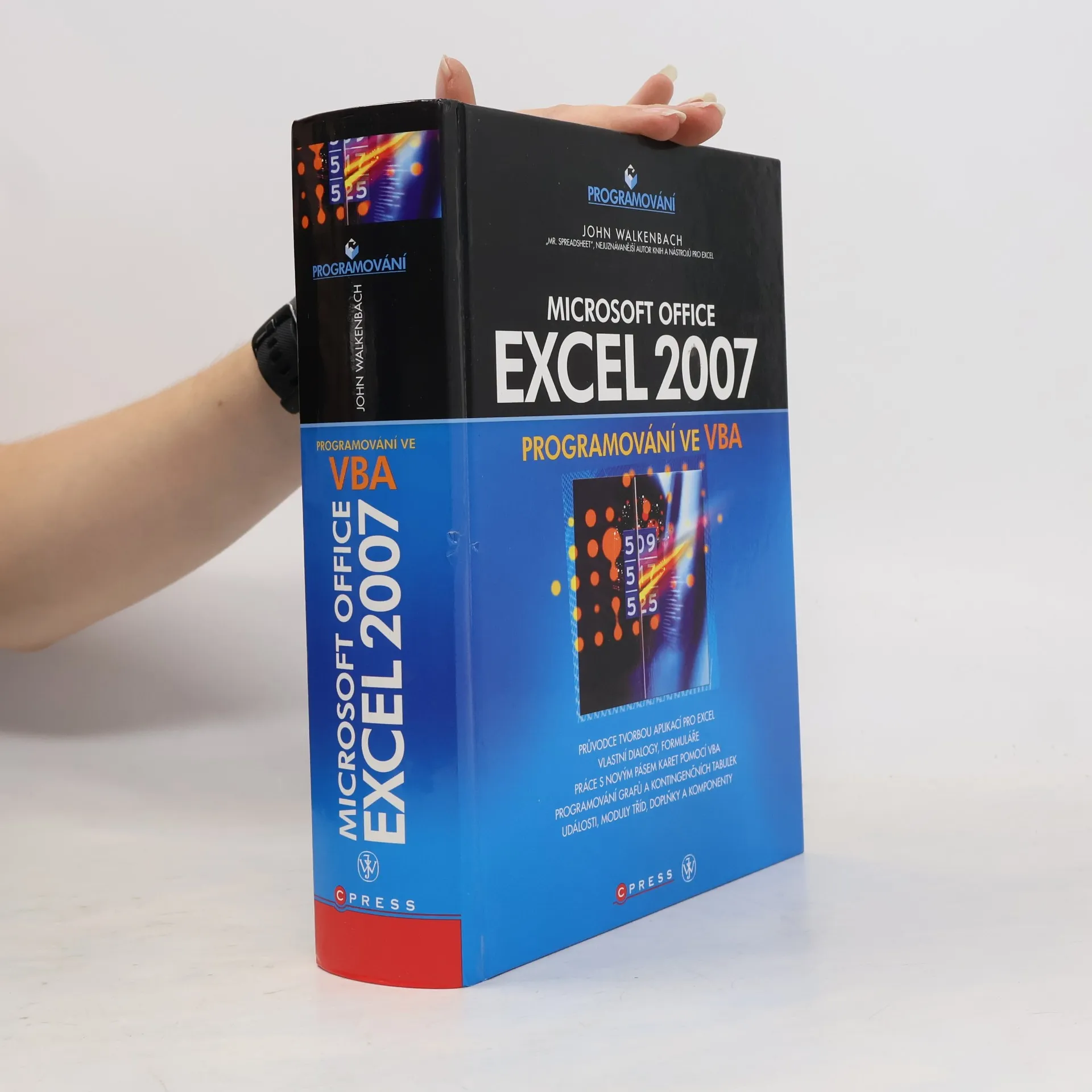
Dílo autora, který si svou letitou tvorbou vydobyl přezdívku "Mr. Spreadsheet" je určeno všem, kdo sbírali po delší dobu zkušenosti v Excelu 2000 nebo jeho nižších verzích a nyní stojí před úkolem začít vytvářet v něm plnohodnotné aplikace.
A comprehensive reference to the newest version of the world’s most popular spreadsheet application: Excel 2010 John Walkenbach's name is synonymous with excellence in computer books that decipher complex technical topics. Known as "Mr. Spreadsheet," Walkenbach shows you how to maximize the power of all the new features of Excel 2010. An authoritative reference, this perennial bestseller proves itself indispensable no matter your level of skill, from Excel beginners and intermediate users to power users and potential power users everywhere. Fully updated for the new release, this latest edition provides comprehensive, soup-to-nuts coverage, delivering over 900 pages of Excel tips, tricks, and techniques you won’t find anywhere else. Excel guru and bestselling author John Walkenbach ("Mr. Spreadsheet") guides you through every aspect of Excel Delivers essential coverage of all the newest features of Excel 2010 Presents material in a clear, concise, logical format that is ideal for all levels of Excel experience Includes a CD that contains all the templates and worksheets used in the book plus John Walkenbach's award-winning Power Utility Pak Excel 2010 Bible serves as an excellent resource on all things Excel! Note: CD-ROM/DVD and other supplementary materials are not included as part of eBook file.
// Attention: If no attachments (CDs, booklets etc.) are shown in the photo, they are not included.
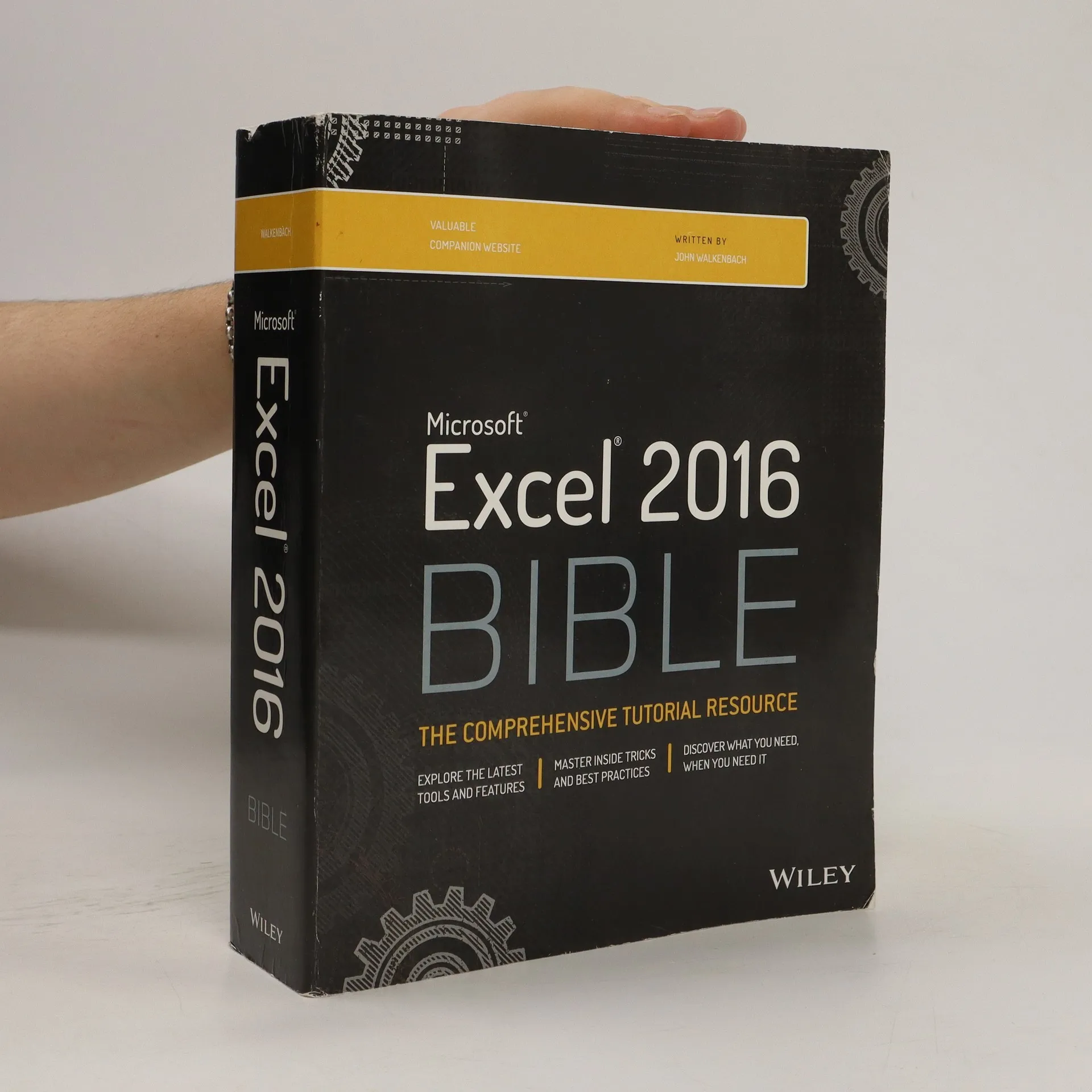
The complete guide to Excel 2016, from Mr. Spreadsheet himself Whether you are just starting out or an Excel novice, the Excel 2016 Bible is your comprehensive, go-to guide for all your Excel 2016 needs. Whether you use Excel at work or at home, you will be guided through the powerful new features and capabilities by expert author and Excel Guru John Walkenbach to take full advantage of what the updated version offers. Learn to incorporate templates, implement formulas, create pivot tables, analyze data, and much more. Navigate this powerful tool for business, home management, technical work, and much more with the only resource you need, Excel 2016 Bible. Whether you need a walkthrough tutorial or an easy-to-navigate desk reference, the Excel 2016 Bible has you covered with complete coverage and clear expert guidance.
Excel at Excel with the help of this bestselling spreadsheet guide John
Walkenbach's name is synonymous with excellence in computer books that
decipher the complexities of Microsoft Excel. Known as Mr.
"Presents information on using Microsoft's Visual Basic for Applications (VBA) programming language to customize Excel with UserForms, PivotTables, and user-oriented applications"-- Provided by publisher
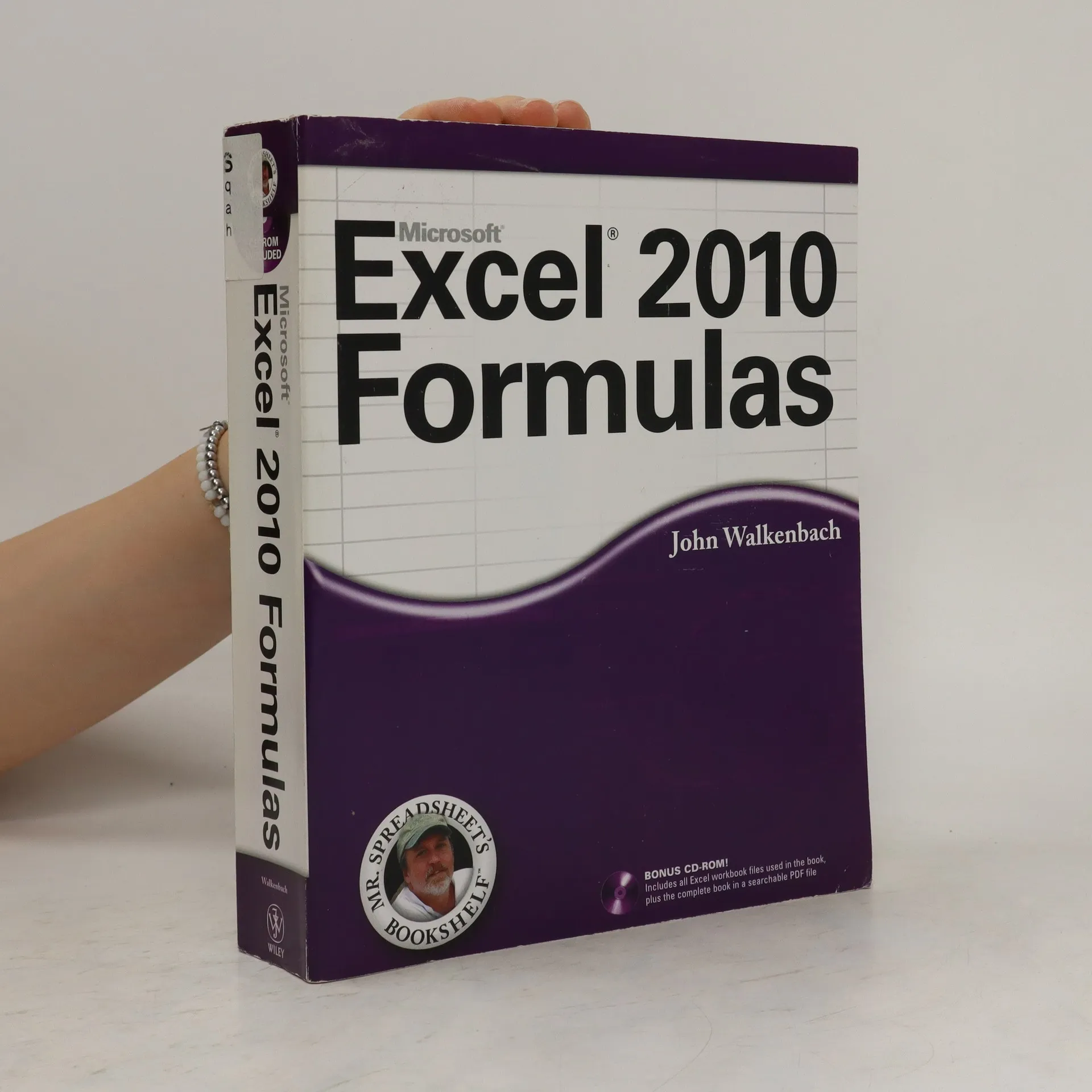
Take your Excel formulas to the next level with this updated reference John Walkenbach's name is synonymous with excellence in computer books that decipher complex technical topics. Known as "Mr. Spreadsheet," Walkenbach provides you with clear explanations on all the methods you can use to maximize the power of Excel with formulas within the frameworks of all the new features of Excel 2010. You'll learn how to create financial formulas, maximize the power of array formulas, develop custom worksheet functions with VBA, debug formulas, and much more. This invaluable reference is fully updated for the new Microsoft Office release and provides comprehensive formulas coverage, delivering more than 800 pages of Excel tips, tricks, and techniques you won't find anywhere else.
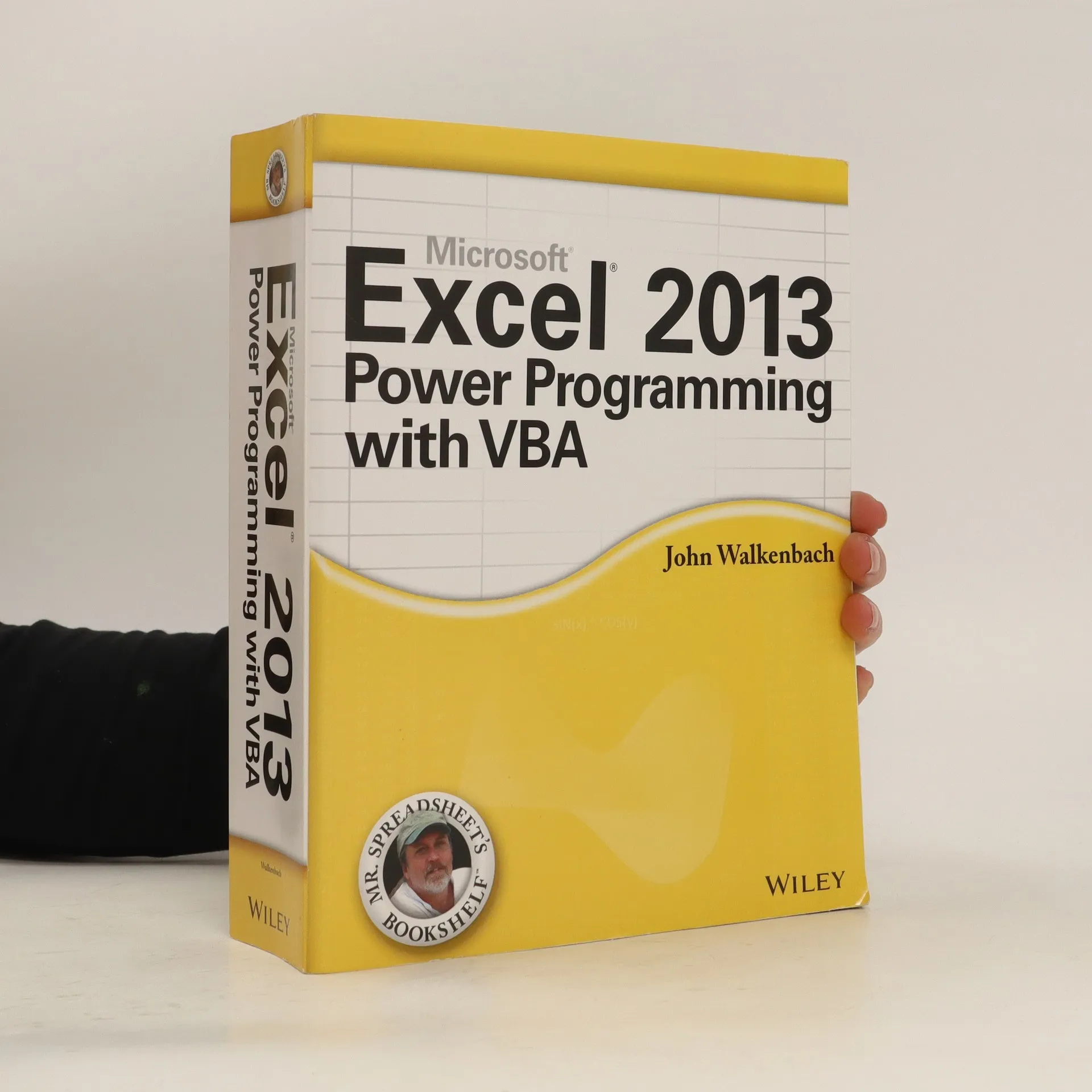
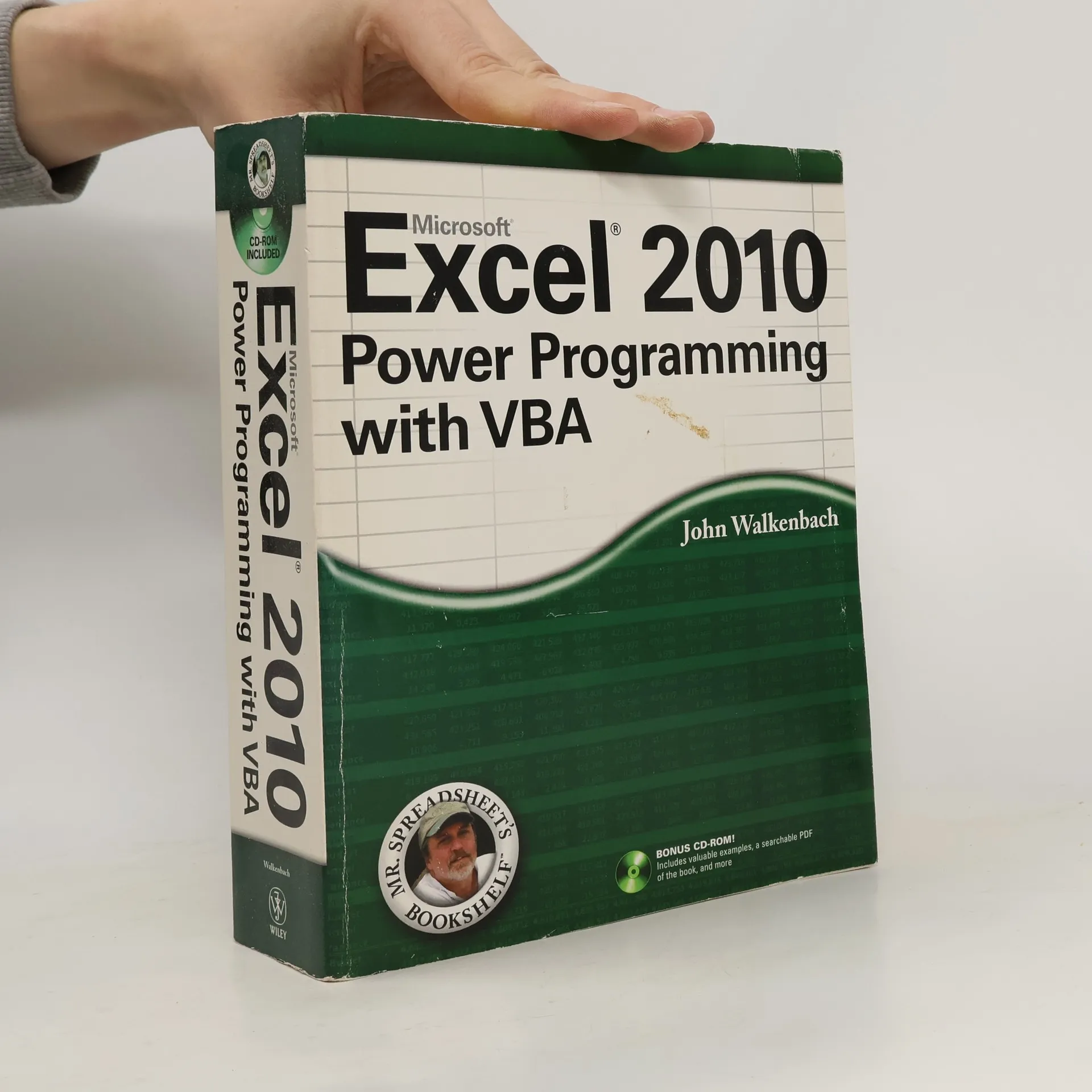
All the methods and tools you need to successfully program with Excel John Walkenbach's name is synonymous with excellence in computer books that decipher complex technical topics. With this comprehensive guide, "Mr. Spreadsheet" shows you how to maximize your Excel experience using professional spreadsheet application development tips from his own personal bookshelf. Featuring a complete introduction to Visual Basic for Applications and fully updated for the new features of Excel 2010, this essential reference includes an analysis of Excel application development and is packed with procedures, tips, and ideas for expanding Excel’s capabilities with VBA. This power-user's guide is packed with procedures, tips, and ideas for expanding Excel's capabilities with VBA.Note: CD-ROM/DVD and other supplementary materials are not included as part of eBook file.
Get the most out of Excel, Microsoft's powerful spreadsheet application. With John Walkenbach, the leading Excel expert better known as "Mr. Spreadsheet", discover better ways to analyze data and find solutions using Microsoft Excel 2002. This book is an excellent resource for getting up to speed using streamlined spreadsheet creation tools, enhanced analysis tools and powerful Web integration. Transform Excel into an application suited to the whole organization so workgroups can work more effectively. Discover how developers can integrate information seamlessly, whether proposal text, financial figures or research data. Whether you are an expert or a novice, Excel 2002 Power Programming with VBA will help you work more efficiently, turning your data into answers you can count on. Bonus: The book contains a coupon for the Professional Power Utility Pak.
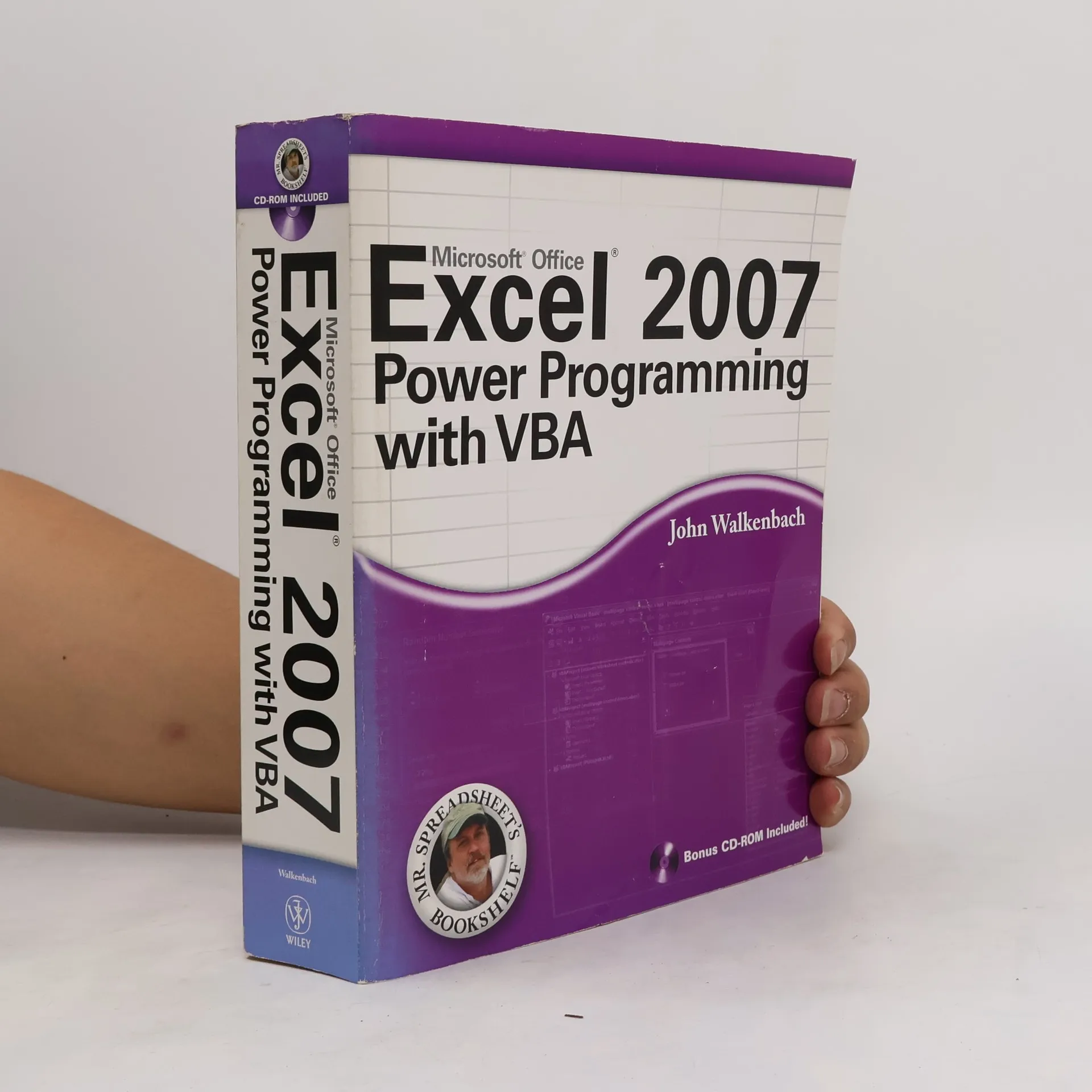
Walkenbach helps you explore VBA programming and shows how to customize and automate many aspects of Excel. This plain-English guide shows what VBA is, how it works with Excel, essential programming concepts, and steps to creating dialog boxes, time-saving macros, Excel add-ins, and more.
Surveys the new tools, features, and capabilities of Excel 2007, explaining the user interface and covering such topics as spreadsheet design, creating charts and diagrams, developing formulas, analyzing data, PivotTables, XML and data reporting, Internet applications, and VBA.
Step-by-step instructions for creating VBA macros Harness the power of VBA and create custom Excel applications Make Excel 2007 work for you! This clear, nonintimidating guide shows you how to use VBA to create Excel apps that look and work the way you want. Packed with plenty of sample programs, it explains how to work with range objects, control program flow, develop custom dialog boxes, create custom toolbars and menus, and much more. Discover how to Grasp essential programming concepts Use the Visual Basic Editor Navigate the new Excel user interface Communicate with your users Deal with errors and bugs
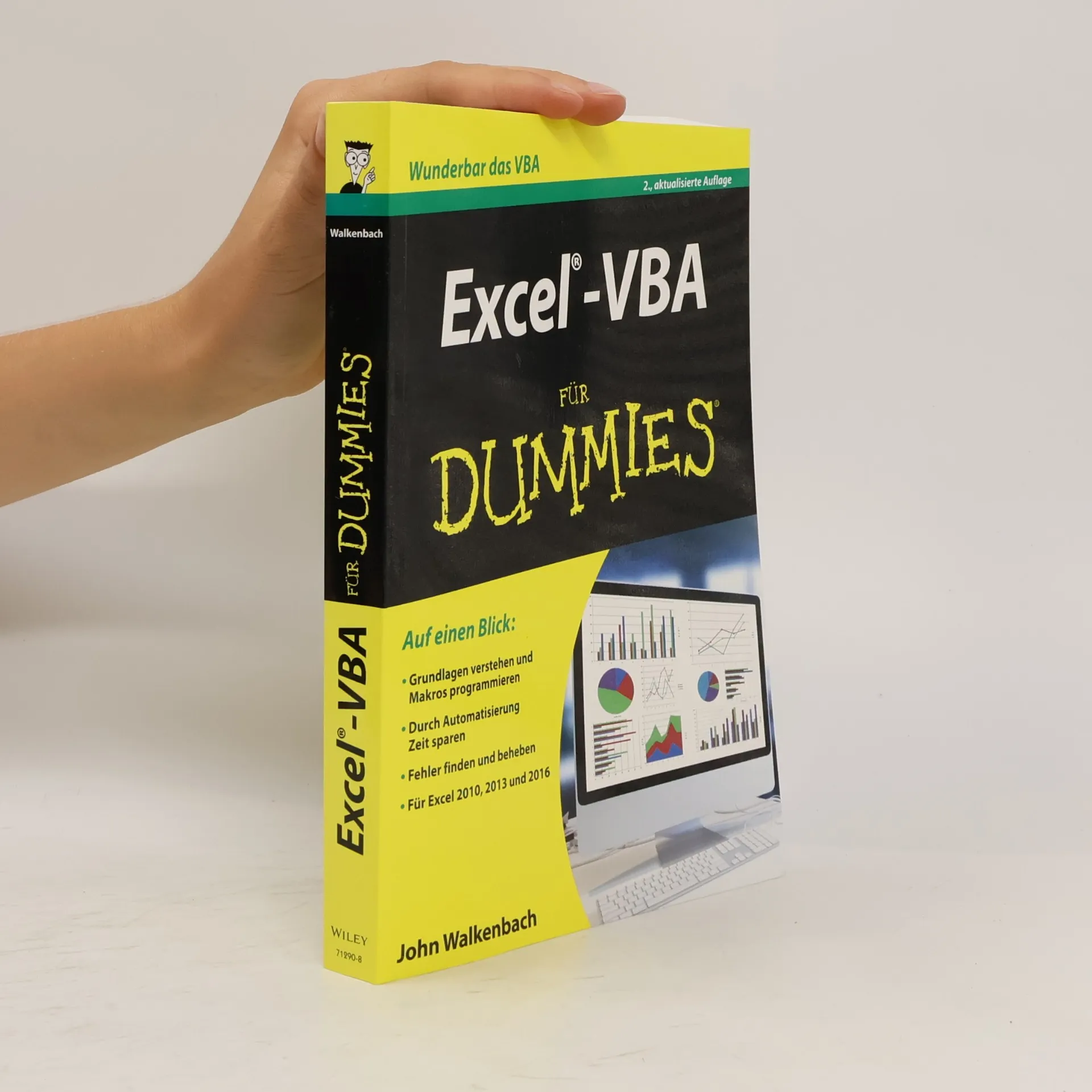
Um noch mehr aus Excel herauszuholen, sind Kenntnisse der VBA-Programmierung von großem Vorteil: Dann können Sie Excel auf Ihre Bedürfnisse zuschneiden und langweilige Routinearbeiten automatisieren. Der ausgewiesene Excel-Experte John Walkenbach zeigt Ihnen zunächst den Umgang mit dem VBA-Editor und gibt einen Einblick in die wichtigsten Programmiertechniken. Lernen Sie dann die vielfältigen Programmiermöglichkeiten kennen. Alle Beispielprogramme und Arbeitsblätter stehen zum Download zur Verfügung. Sie werden staunen: Mit VBA können Sie sich selbst Dialogboxen, Werkzeugleisten und Menüs schneidern. Und das schon nach kurzer Zeit!