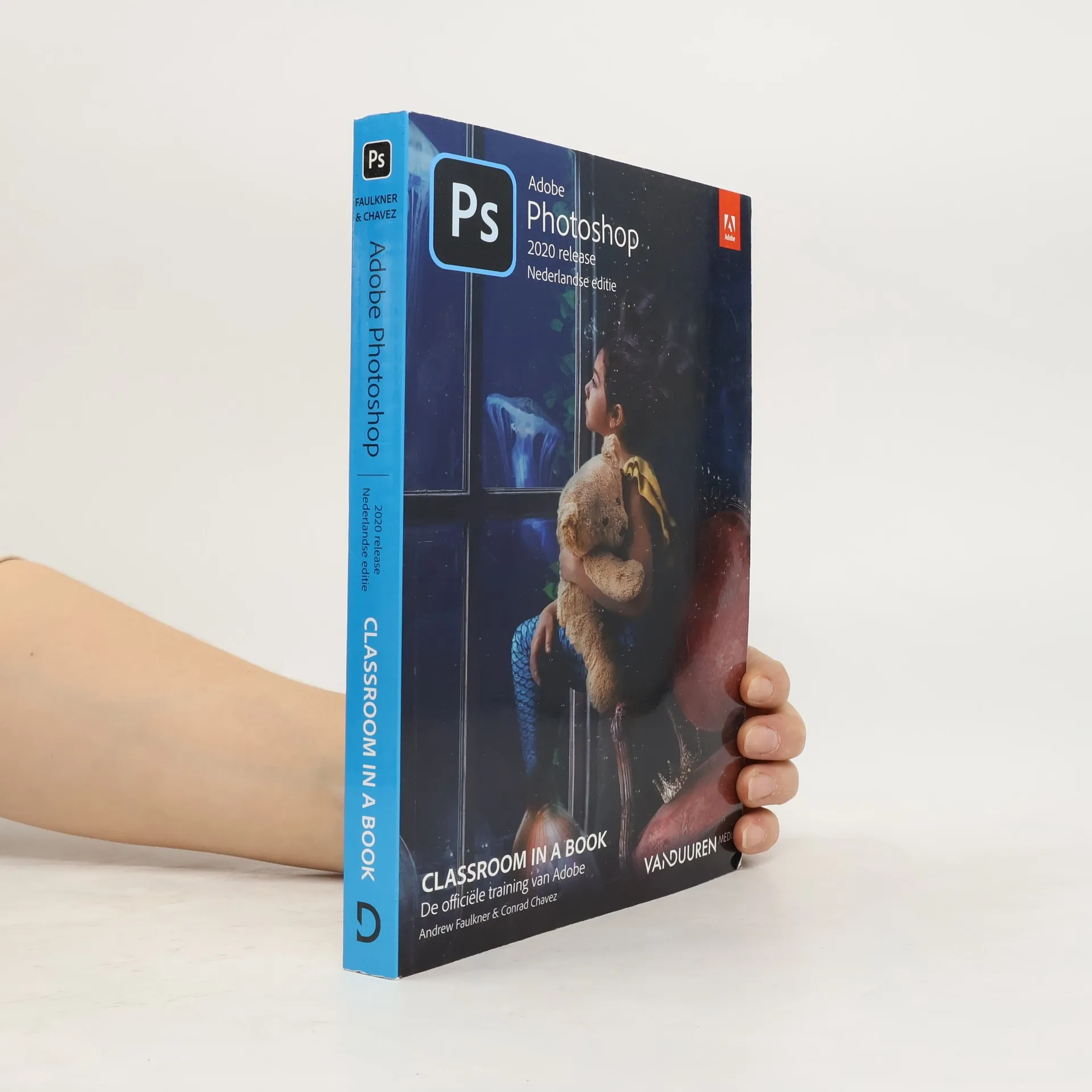

Chcete se naučit pracovat v nejmocnějším bitmapovém editoru na trhu? Oficiální výukový kurz je příručkou vytvořenou ve spolupráci se samotnými tvůrci Photoshopu. Tato rozsáhlá kniha pokrývá všechna významná témata: základní úpravy fotografií, efekty, maskování, náročné výběry, použití inteligentních nástrojů, barevné transformace atd. Přiložené DVD obsahuje pracovní soubory ke všem výukovým lekcím.
Conrad Chavez Knihy


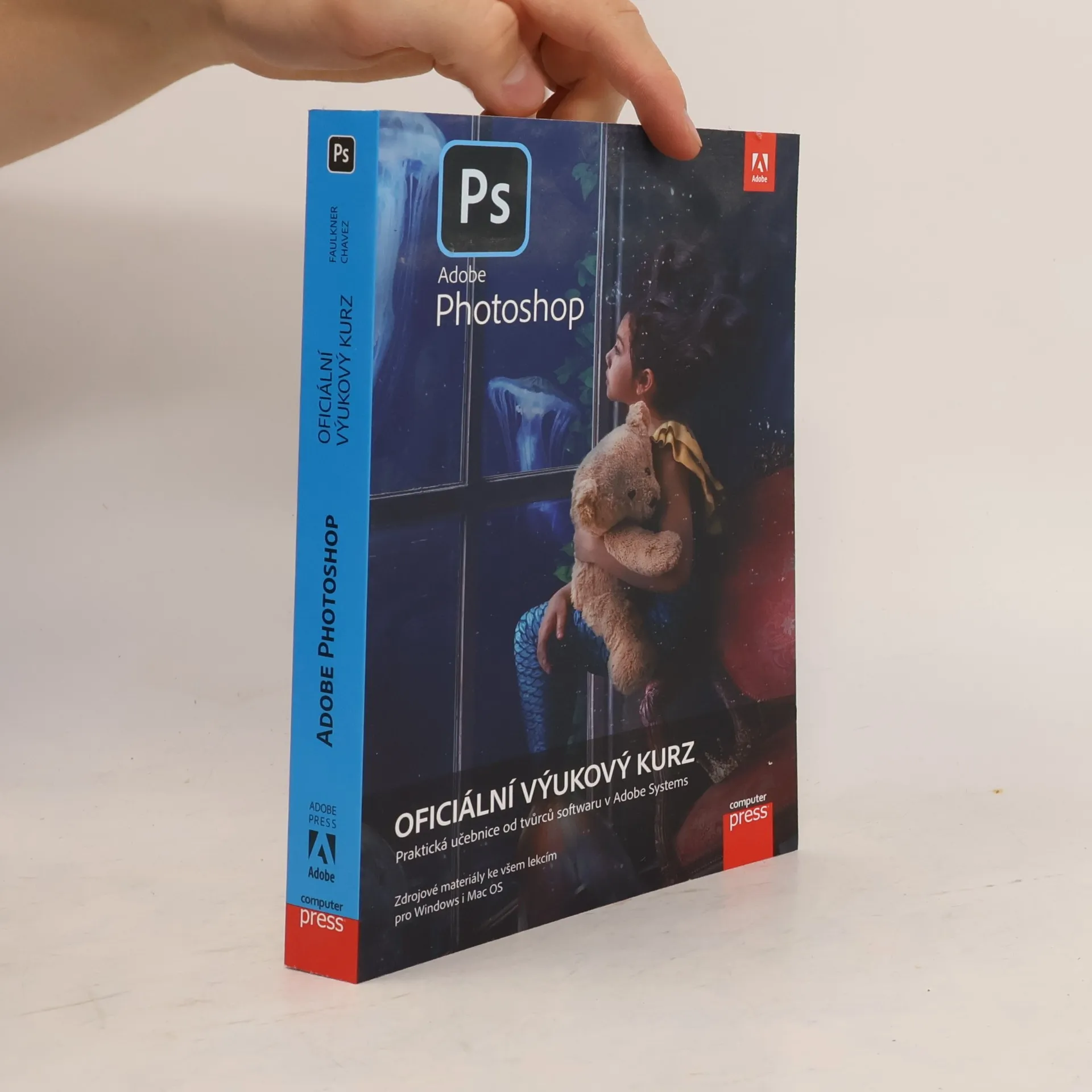
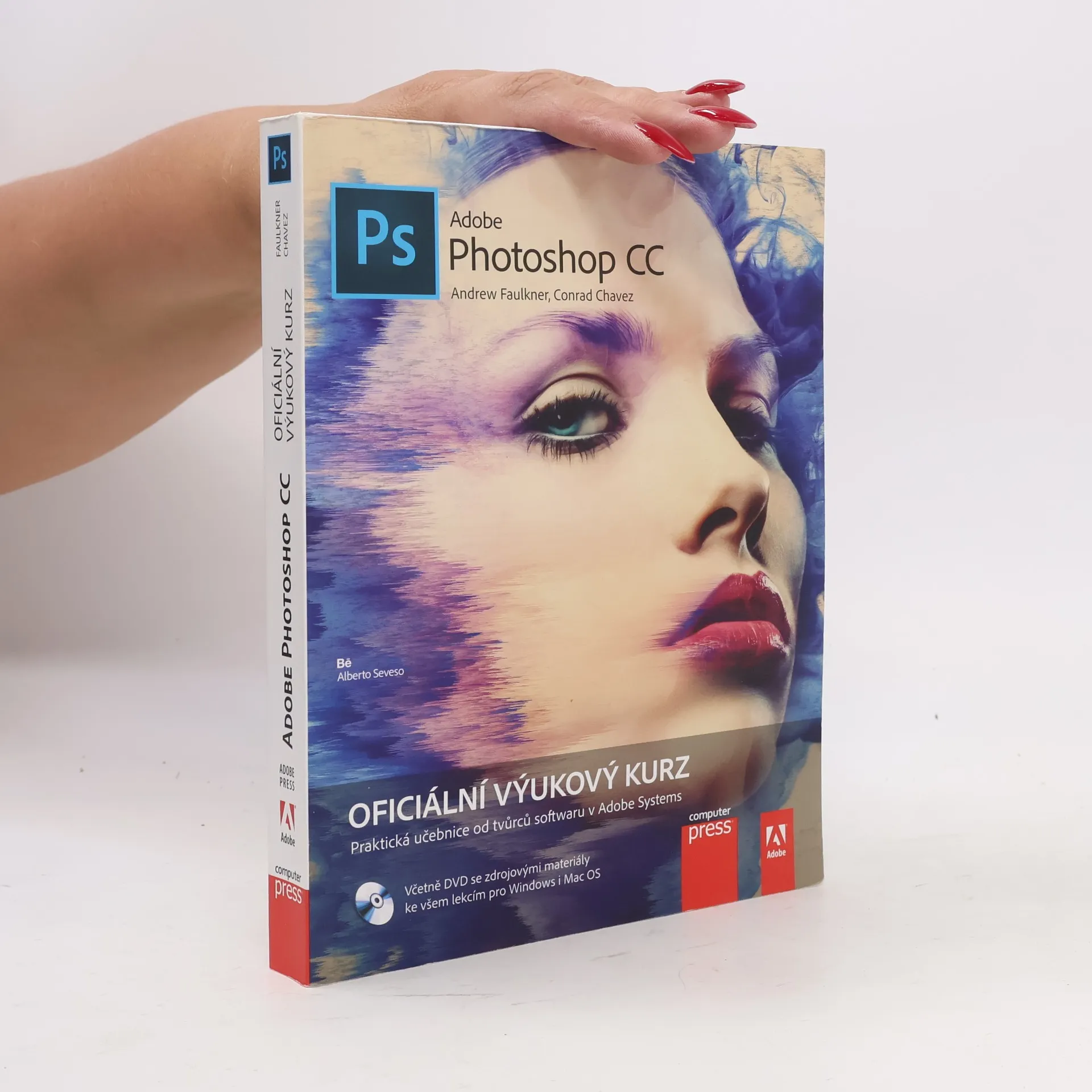
Adobe Photoshop: oficiální výukový kurz
- 408 stránek
- 15 hodin čtení
Chcete se naučit pracovat v nejmocnějším bitmapovém editoru na trhu? Oficiální výukový kurz je příručkou vytvořenou ve spolupráci se samotnými tvůrci Photoshopu. Tato rozsáhlá kniha pokrývá všechna významná témata: základní úpravy fotografií, efekty, maskování, náročné výběry, použití inteligentních nástrojů, barevné transformace atd. Práci vám ulehčí pracovní soubory ke všem výukovým lekcím ke stažení.
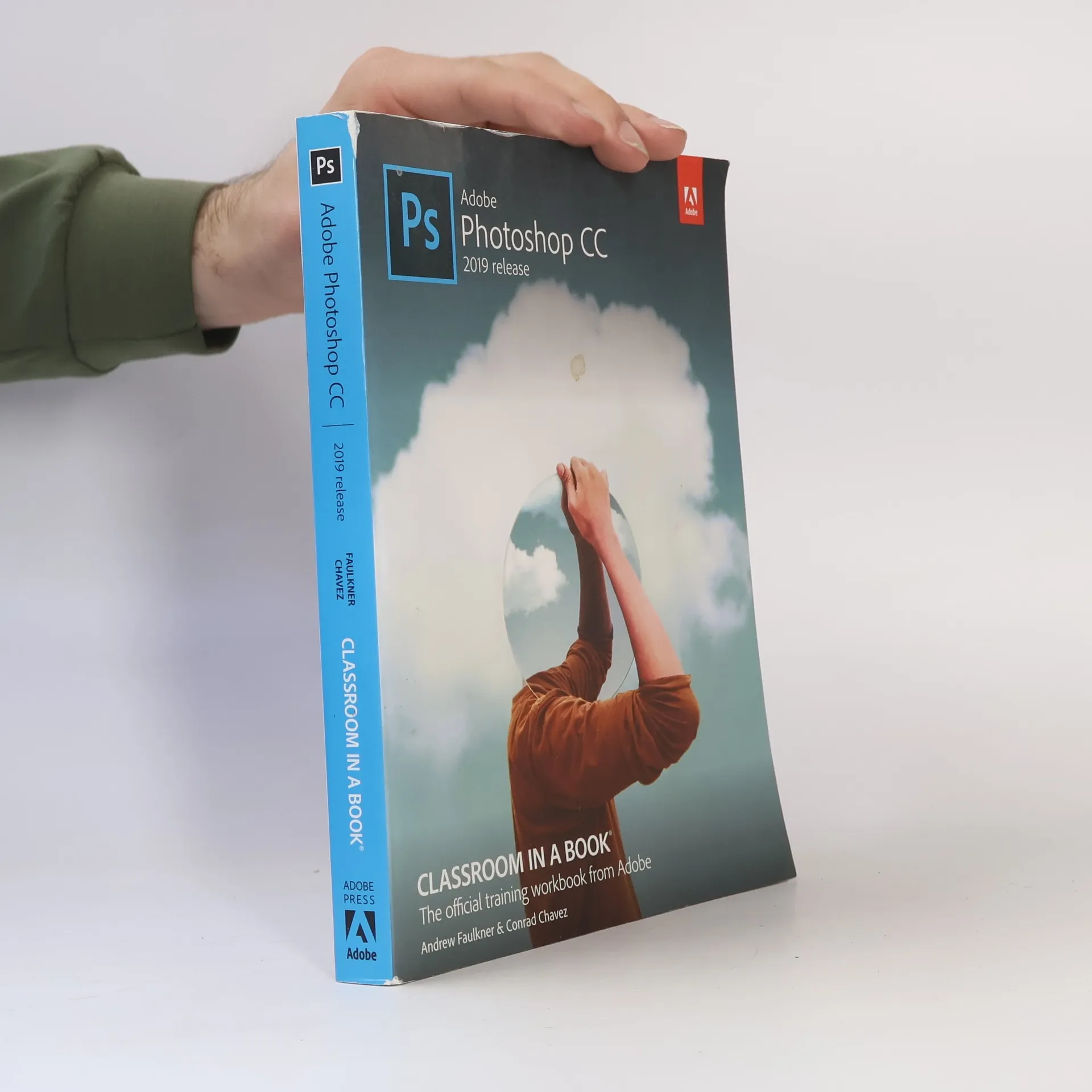
Adobe Photoshop Classroom in a Book
The Official Training Workbook From Adobe - 2022 Release
- 416 stránek
- 15 hodin čtení
Learn to enhance and correct digital images by removing backgrounds and repairing photos with content-aware tools. Discover advanced filters that utilize machine learning and cloud processing for image enhancement. Master the selection of subjects with intricate outlines, including hair, with precision. Create composite images featuring instant sky replacement and advanced typography. Edit videos with transitions and motion effects, and automate tasks using actions. Save your work as a Photoshop cloud document for seamless editing across desktop and mobile devices, and export for web, mobile, and print formats. This hands-on training workbook, part of a best-selling series, offers an official training resource from Adobe, developed with input from Adobe experts. It includes 15 lessons that cover essential skills and advanced techniques to boost your productivity. You can work through the book sequentially or focus on specific lessons of interest. Online extras are available upon following the instructions in the "Getting Started" section. Note that you will need Adobe Photoshop (2022 release) for Windows or macOS to use this book, which does not include the software. This edition focuses solely on Photoshop for desktop and does not cover the iPad version.
Contains fifteen lessons that cover the features of Adobe Photoshop CC, covering such topics as using adjusting color and tone, working with selections, rearranging layers, adding a background, painting with the mixer brush, and editing video
Adobe Photoshop CC Classroom in a Book (2015 release)
- 384 stránek
- 14 hodin čtení
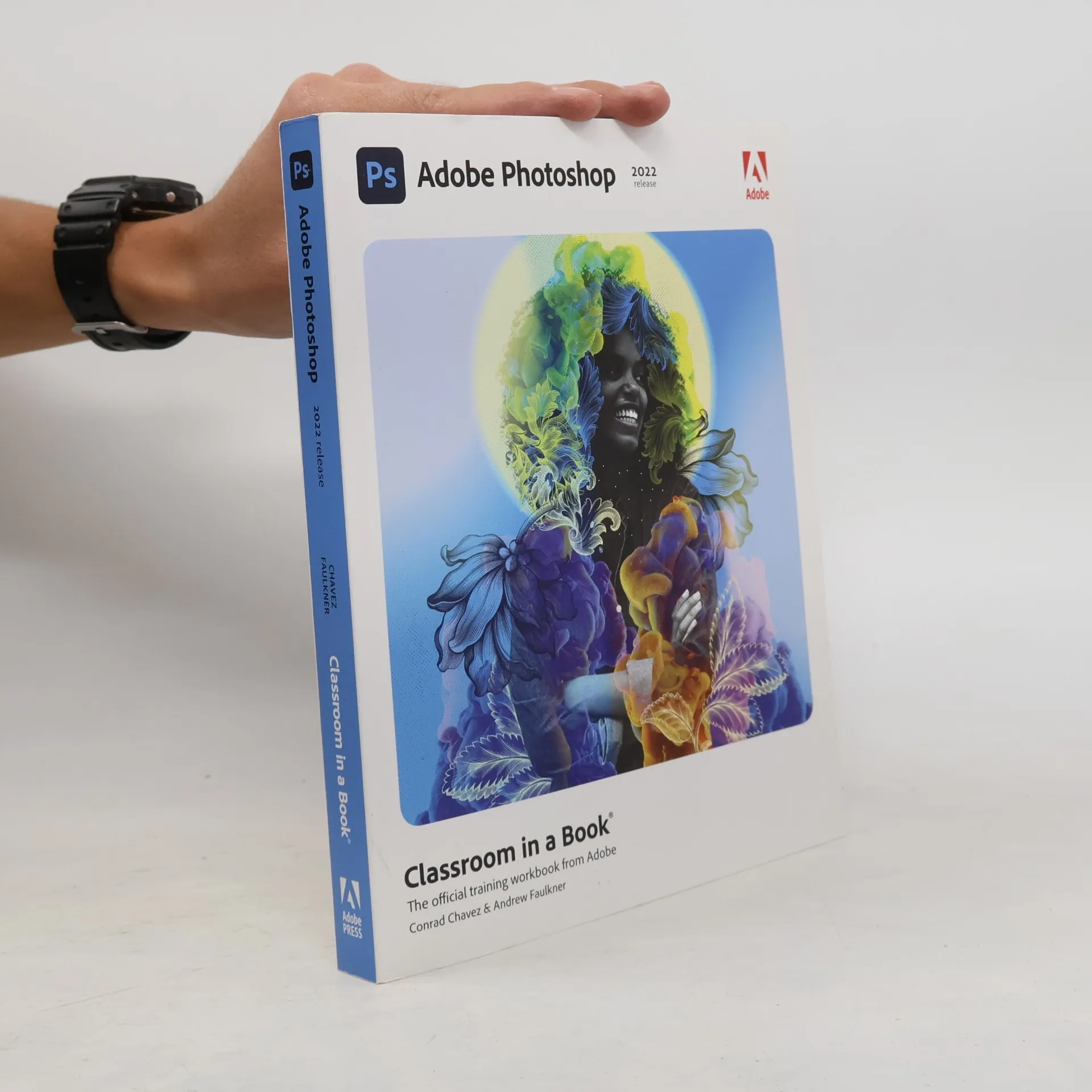
Adobe Photoshop CC Classroom in a Book
2019 Release - The Official Training Workbook from Adobe
- 416 stránek
- 15 hodin čtení
Creative professionals seeking the fastest, easiest, most comprehensive way to learn from Adobe Press. The 14 project-based lessons in this book show readers step-by-step the key techniques for working in Photoshop. Learn to correct, enhance, and distort digital photos, create image composites, and prepare images for print and the web. Automate tasks with actions. Compile and edit video, including transition and motion effects. Use content-aware tools to seamlessly repair images. Prepare and print 3D objects. Coordinate designs with multiple artboards and preview them on mobile devices. Share assets with collaborators and update them easily. Add advanced typographical effects and glyphs. In addition to learning the key elements of the interface, this completely updated edition covers soon to be revealed new features!
Creative professionals seeking the fastest, easiest, most comprehensive way to learn Adobe Photoshop choose Adobe Photoshop Classroom in a Book from Adobe Press. The project-based lessons show key step-by-step techniques for working in Photoshop, including how to correct, enhance, and distort digital images, create image composites, and prepare images for print and the web. In addition to learning the essential elements of the Photoshop interface, this revised edition for the new release covers features like the Object Selection tool, saving Cloud Documents for easy access from Photoshop on other devices such as the Apple iPad, removing objects with upgraded Content-Aware Fill, applying styles and objects such as gradients and shapes, instantly using redesigned Presets panels, and much more! The online companion files include all the necessary assets for readers to complete the projects featured in each chapter. All buyers of the book get full access to the Web Edition: A Web-based version of the complete ebook enhanced with video and multiple-choice quizzes.