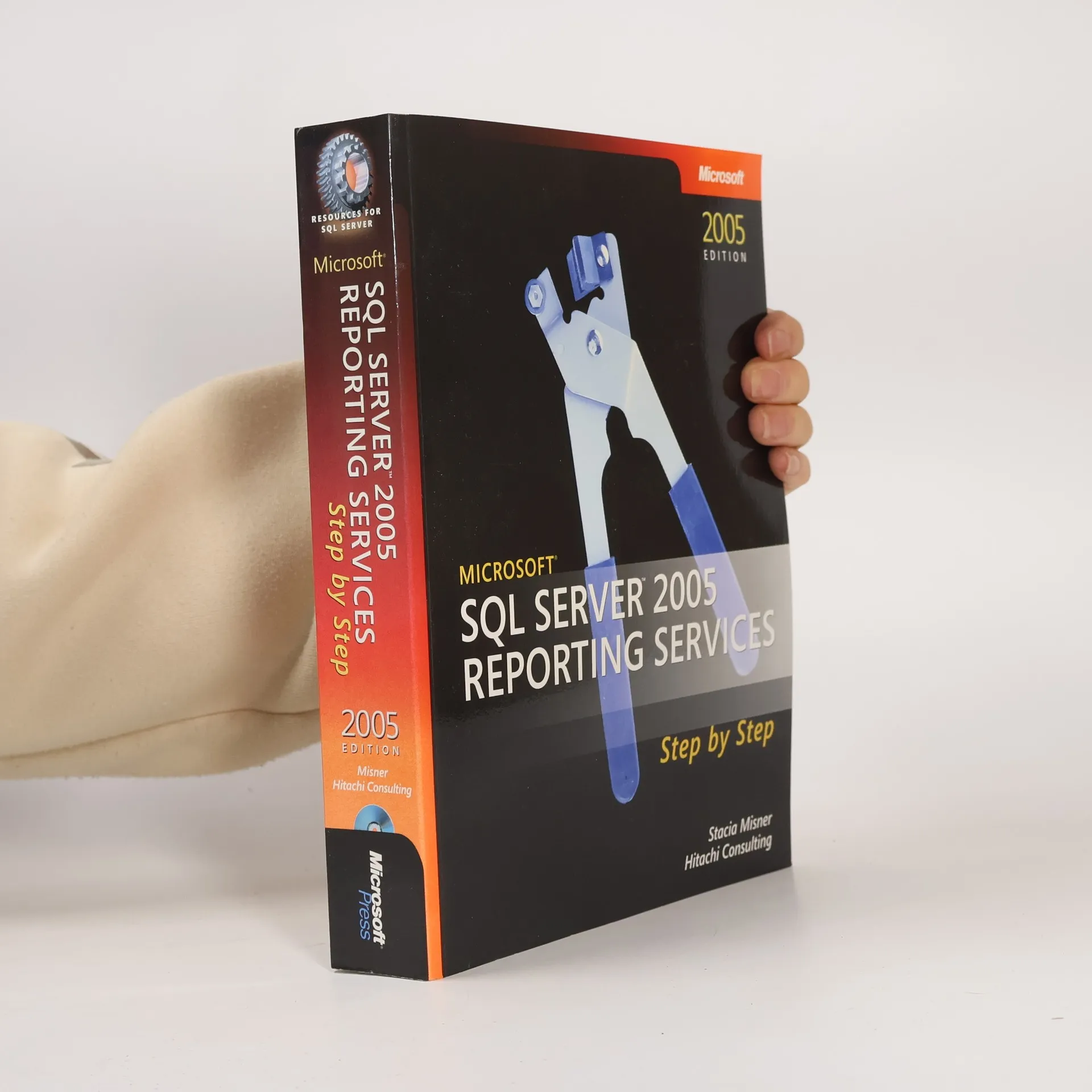
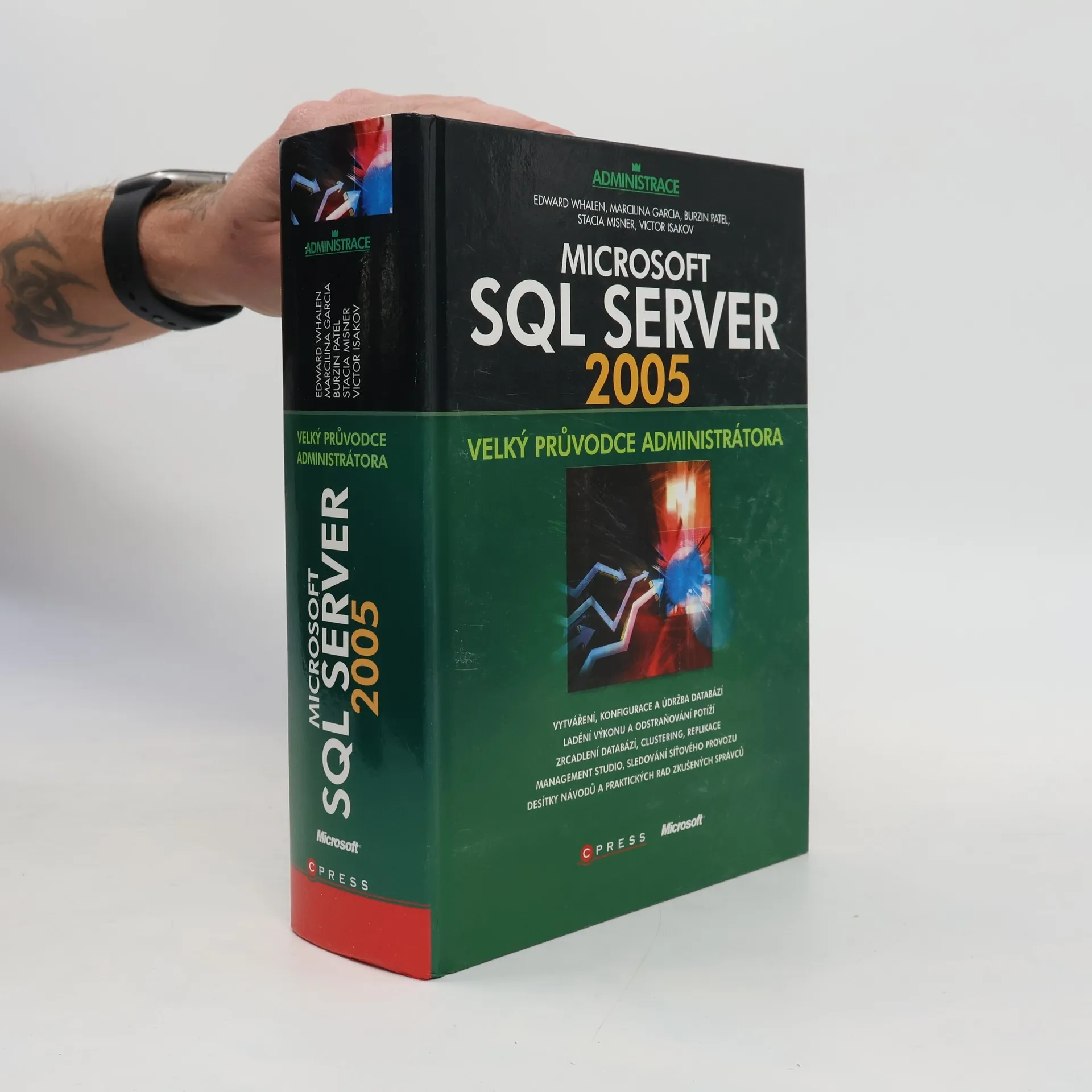
Průvodce všemi aspekty SQL Serveru 2005 a mnoha důležitými dovednostmi
správce. V publikaci se řeší základní otázky role a úkolů databázové
administrátora, vytváření tabulek a pohledů, dále konfigurace SQL Serveru v
síti a nastavení paměti, principy zálohování a obnovení dat, transakce a
uzamykání, dělení dat nebo správa uživatelů a zabezpečení. S tímto titulem
ovládnete SQL Server dokonale.
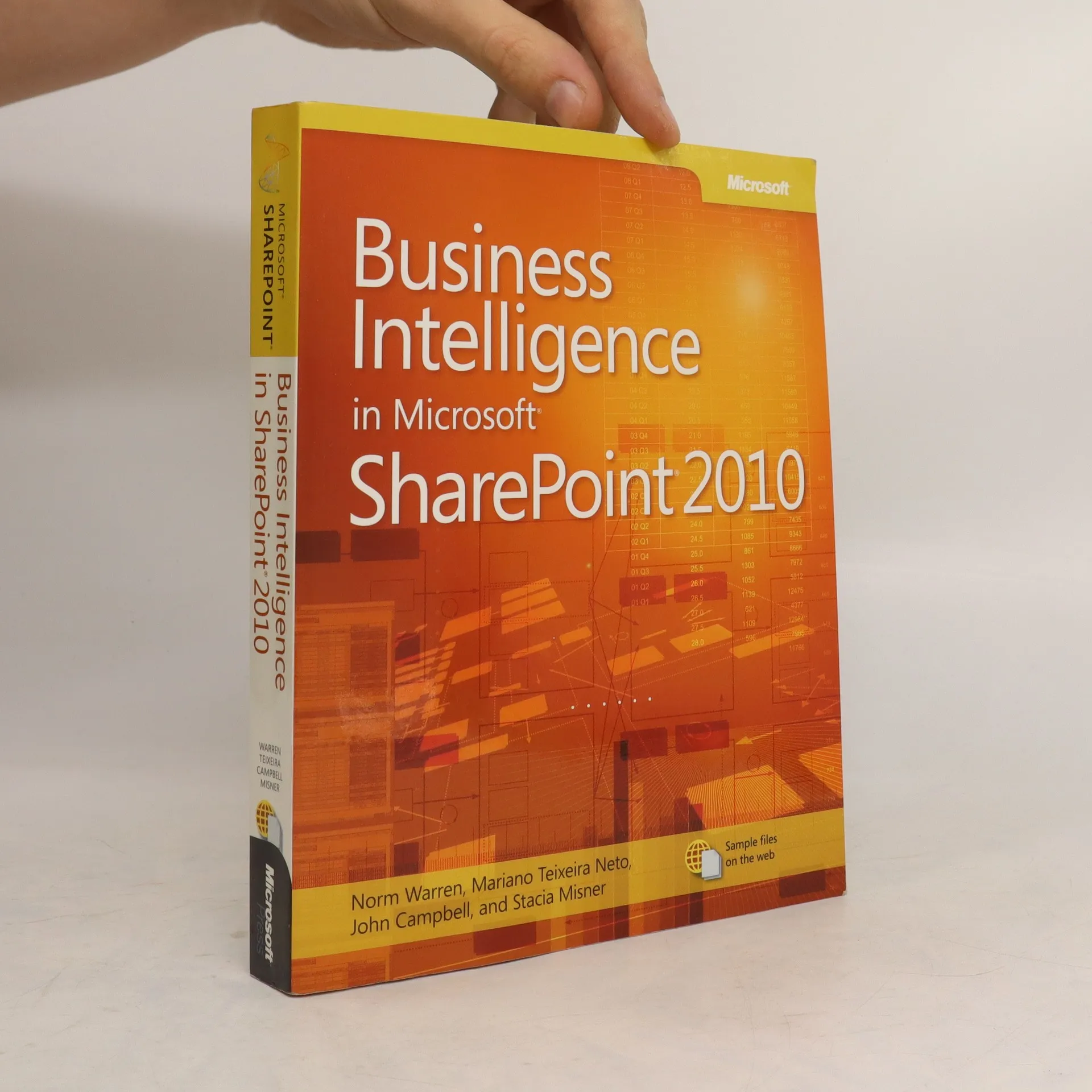
Looks at the business intelligence features of Microsoft SharePoint 2010, covering such topics as trusted data, Excel services, PowerPivot, Visio, PerformancePoint Services, dashboards, and virtual machine setup.
Teach yourself how to build, manage, and access SQL Server 2008 reports―one step at a time. Whether you’re a report developer, IT administrator, or business user, this sequential, learn-by-doing tutorial shows you how to deliver the business intelligence information your organization needs.Discover how CD For customers who purchase an ebook version of this title, instructions for downloading the CD files can be found in the ebook.
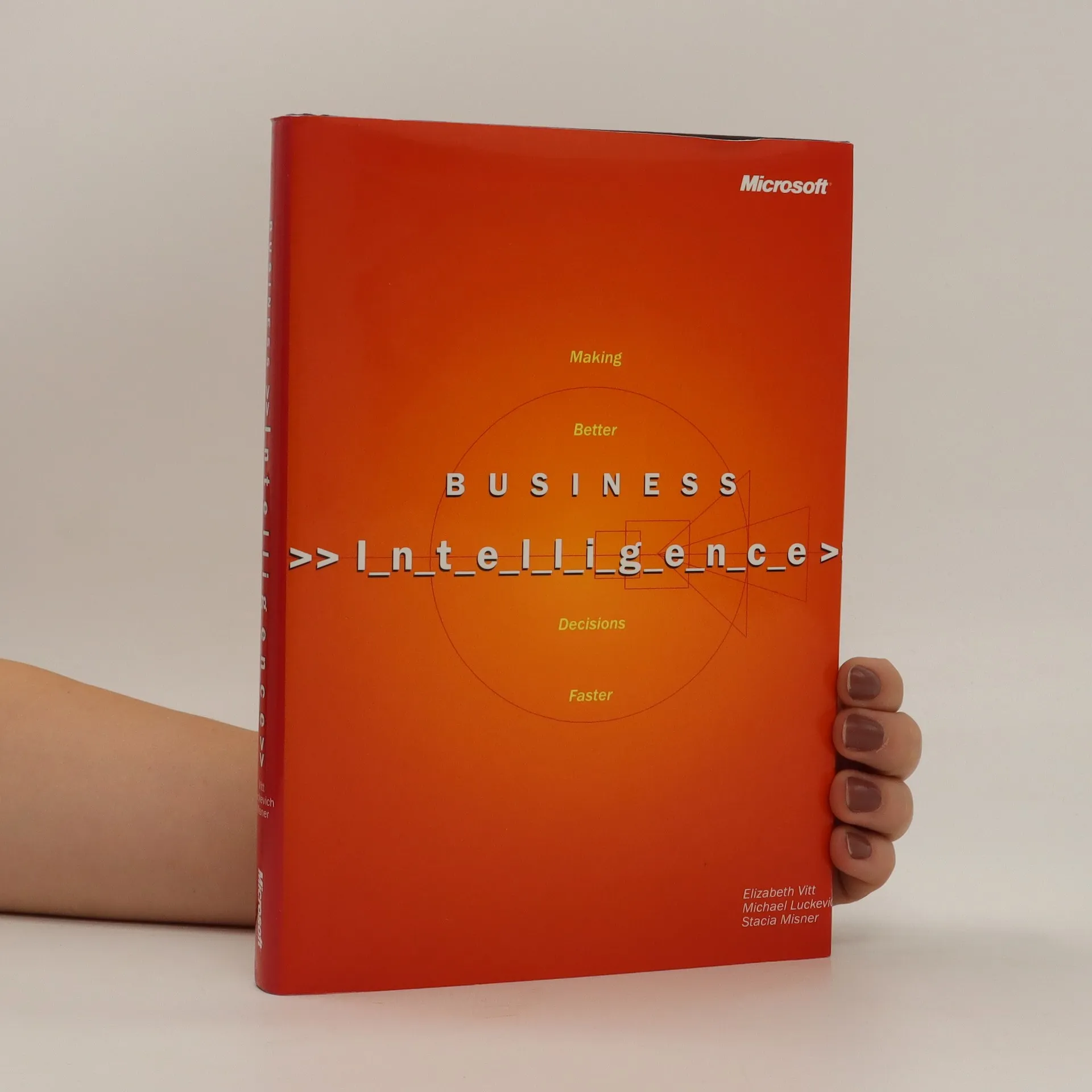
This book illustrates how organizations can make better, faster decisions about their customers, partners, and operations by turning mountains of data into valuable business information that's at the fingertips of decision makers. It describes what's involved in using business intelligence to bring together information, people, and technology to create successful business strategies-and how to execute those strategies with confidence. Real-life case studies show how world leaders in finance, manufacturing, and retail have successfully implemented business intelligence solutions and detail the benefits they have reaped.
Teach yourself the fundamentals of SQL Server Reporting Services—one step at a time. With this practical, learn-by-doing tutorial, you get the guidance you need to build flexible and powerful solutions that support the reporting needs of your organization. Discover how CD features all practice exercises. A Note Regarding the CD or DVD The print version of this book ships with a CD or DVD. For those customers purchasing one of the digital formats in which this book is available, we are pleased to offer the CD/DVD content as a free download via O'Reilly Media's Digital Distribution services. To download this content, please visit O'Reilly's web site, search for the title of this book to find its catalog page, and click on the link below the cover image (Examples, Companion Content, or Practice Files). Note that while we provide as much of the media content as we are able via free download, we are sometimes limited by licensing restrictions. Please direct any questions or concerns to booktech@oreilly.com.
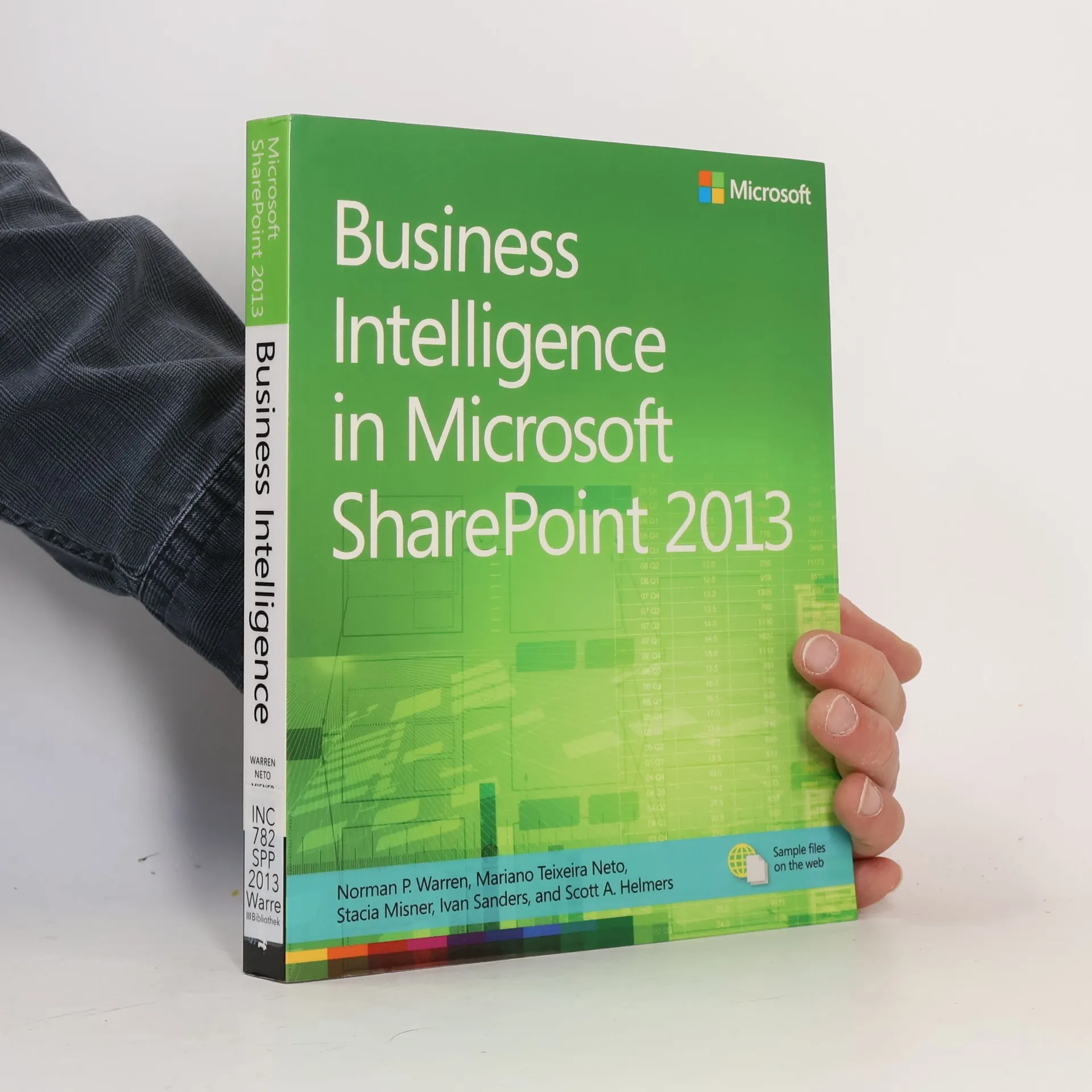
Dive into the business intelligence features in SharePoint 2013—and use the right combination of tools to deliver compelling solutions. Take control of business intelligence (BI) with the tools offered by SharePoint 2013 and Microsoft SQL Server® 2012. Led by a group of BI and SharePoint experts, you’ll get step-by-step instructions for understanding how to use these technologies best in specific BI scenarios—whether you’re a SharePoint administrator, SQL Server developer, or business analyst. Discover how to: Manage the entire BI lifecycle, from determining key performance indicators to building dashboards Use web-based Microsoft Excel® services and publish workbooks on a SharePoint Server Mash up data from multiple sources and create Data Analysis Expressions (DAX) using PowerPivot Create data-driven diagrams that provide interactive processes and context with Microsoft Visio® Services Use dashboards, scorecards, reports, and key performance indicators to monitor and analyze your business Use SharePoint to view BI reports side by side, no matter which tools were used to produced them